/ PLN
/ PLN
A backup server is not a "cheaper version" of a production server. It's a separate, capacious and resilient repository that must work precisely when everything else fails. If you're implementing Veeam or Nakivo, three things are key: capacity for retention, resilient RAID level and enterprise-class drives, and only then processor brand or core count. Backup server configuration starts with failure scenario – not price list.
Backup server as last line of defense – separate it from production or don't do it at all
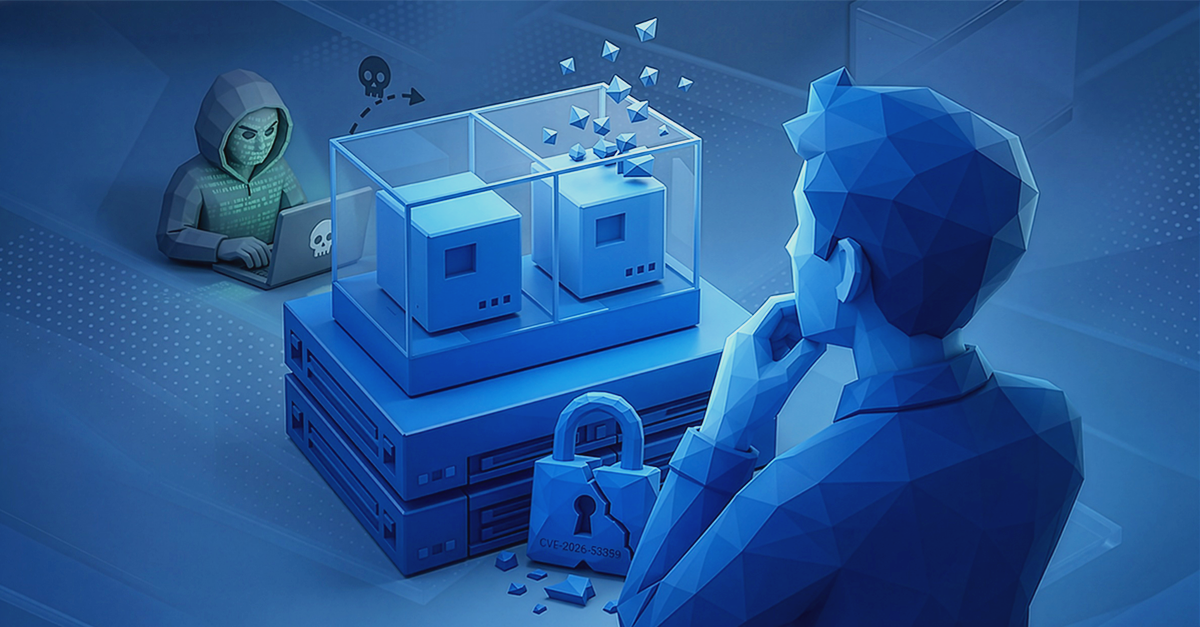
The first rule is simple: backup cannot live on the same array as production. If storage with VMs fails or the environment gets encrypted, the repository must remain untouched. That's why a backup server is designed as a separate node, with its own RAID, own system and often even separate domain or network isolation.
In practice for Veeam, dedicated backup repository on Windows or Linux with local disk array is most often built. With Nakivo, the repository can run as an appliance or on NAS, but the assumption remains the same – capacity and independence matter more than raw IOPS performance. Backup writes large files sequentially, so it doesn't need ultra-fast NVMe for every operation, but must have stable, predictable space.
If today you're protecting 5-10 TB of production data, ask yourself: what happens if you lose everything at once? Backup server configuration should answer precisely this scenario. This isn't "everyday" equipment. This is "worst case scenario" equipment.
How many TB do you really need? Retention 7-30-365 days
The most common mistake in backup repository planning is looking only at production data size. If you have 8 TB of data, a backup server shouldn't have 8 TB space – that's too little even for short retention.
Safe rule for Veeam / Nakivo environments talks about 3-5× protected data size, depending on retention and file volatility. With 8 TB production, real repository requirement could be 24-40 TB, before you account for growth headroom and operations like synthetic full or compact.
Retention policy matters greatly:
- 7-14 days of daily backups,
- 4-8 weekly copies,
- 6-12 monthly copies.
The longer you want to "go back in time", the faster space demand grows. That's why backup server configuration should include 20-30% free space headroom, because a repository operating at capacity limit starts causing problems with backup chain transformations and consolidations.
This is the moment to recalculate everything in the configurator – instead of assuming it "will somehow fit".
RAID 6 or RAID 10 in backup server – capacity versus rebuild time
In backup repositories you'll most often encounter RAID 6 or RAID 60 – mainly because they offer more usable capacity at the same number of drives. With 8-12 drive arrays the difference between RAID 6 and RAID 10 can mean a dozen additional terabytes of space.
- RAID 10 gives excellent performance and faster rebuild after drive failure, but "costs" half the raw capacity.
- In environments where backup serves mainly for storage and occasional restores, RAID 6 is a compromise between capacity and safety – tolerates failure of two drives in a group and allows sensible space utilization.
However, you must remember rebuild time with large 12-20 TB drives. The larger the drive, the longer rebuild takes and the higher the risk of second failure during it. That's why with larger configurations you often split the array into several smaller RAID 6 groups or use RAID 60. Backup server configuration shouldn't be random – especially when repository has dozens or hundreds of terabytes.
NL-SAS or SATA – how to build a backup server without cutting corners on reliability
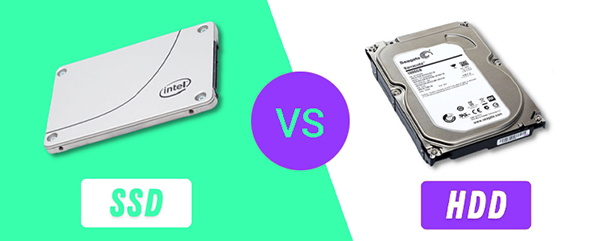
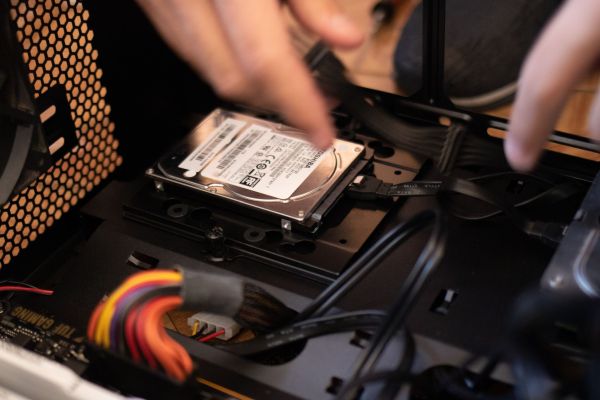
In a backup server, NL-SAS disk drives most often win, and SATA makes sense mainly in smaller, budget repositories – the difference isn't just price, but especially work parameters in large arrays.
NL-SAS (Nearline SAS):
- capacities 4-20 TB and more at 7.2k RPM,
- better Bit Error Rate (e.g. 1e-16) than typical SATA,
- higher declared MTBF,
- better command queuing and stability in large arrays,
- sensible choice with 8-24 drives in one server.
SATA (enterprise):
- lower price per TB,
- sufficient with 4-8 drives and smaller scale,
- higher BER (often 1e-15),
- less "enterprise" characteristics with large data volumes.
In small repository with several terabytes, SATA may suffice. Problem starts when you build an array with dozens of drives and backup becomes critical for the company. Then it's no longer about price per TB, but whether the array will survive years of operation, rebuilds and backup chain consolidation operations.
If backup server configuration assumes dozens of net terabytes and long retention, NL-SAS is the safer decision. Still capacious drives, but with enterprise-level parameters rather than desktop. Backup is where saving a few percent of budget can cost much more later.
R740xd2 and models with many bays – when backup server stops being "small repo"
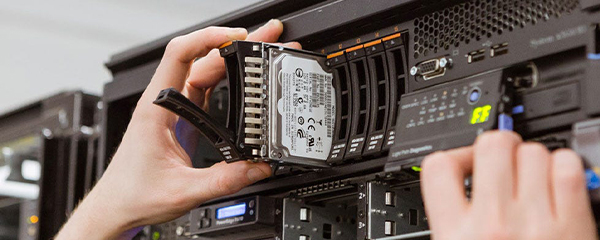
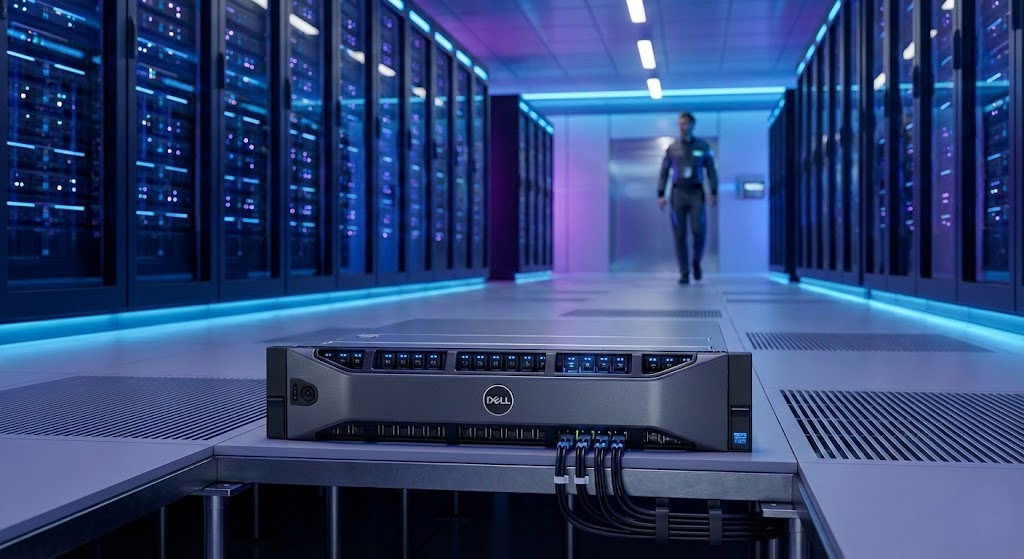
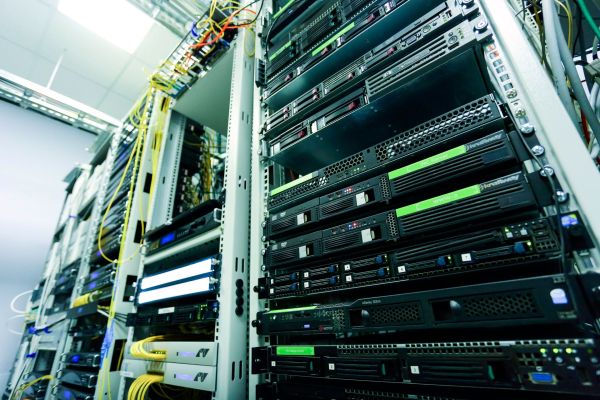
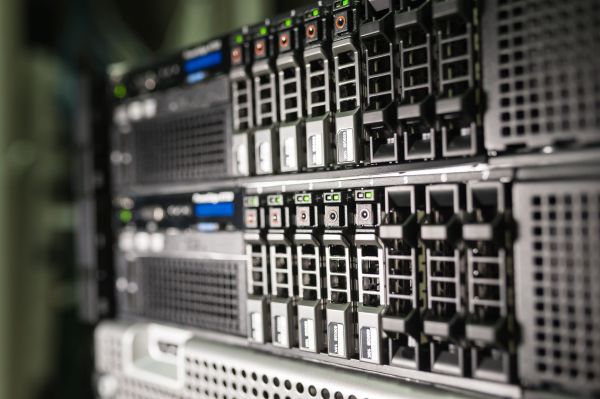
With larger environments it's worth thinking in terms of platforms, not single drives. Models like Dell PowerEdge R740xd2 were essentially designed as backup and archive servers.
Why?
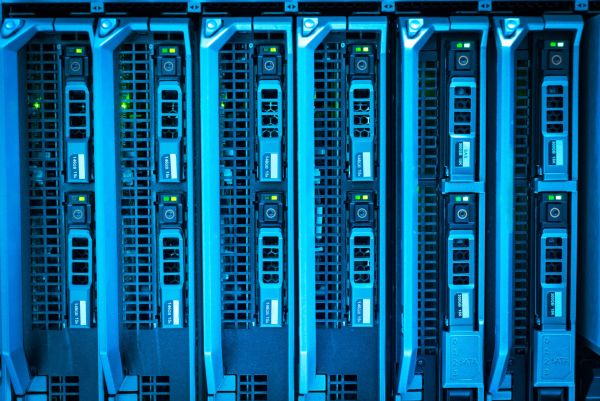
- 2U rack chassis with ability to mount up to 24 3.5" drives from front + 2 from back.
- Raw capacity measured in hundreds of TB in one server.
- Dual-socket Xeon Scalable platform.
- Large number of PCIe slots for HBA/NIC.
- Built-in iDRAC9 for remote management.
Practical configuration model looks like this.
Small/medium repository (e.g. 20-60 TB net):
- 8-12 NL-SAS drives 8-12 TB,
- RAID 6,
- headroom for future expansion.
Large repository (80-300+ TB net):
- 12-24 NL-SAS drives 12-20 TB,
- RAID 60 or division into several RAID 6 groups,
- ability to build scale-out repository in Veeam.
At some point the natural development path is scale-out approach – instead of one huge server, you build several repository nodes and scale backup with the company. This approach reduces risk and simplifies expansion without "turning upside down" the entire architecture after 3 years.
Backup server configuration should therefore answer not only "how many TB today?" but also "how many TB in two years?". That's exactly why platform choice matters.
Check backup server configuration before ordering anything
Before deciding on specific model and drive count, calculate your environment in the server configurator on hardwaredirect.pl. See the difference between RAID 6 and RAID 10, NL-SAS and SATA, 8 and 16 drives. Backup is infrastructure you're building for years – better to calculate it properly at start than replace after first space shortage.
FAQ
Can I keep backup on the same array as VMs?
No. This breaks the basic separation principle. Backup repository should be isolated from production, ideally as a separate server or node.
How much space should a repository have?
Safe baseline is 3-5× protected data size + 20-30% headroom for growth and maintenance operations.
RAID 6 or RAID 10 for Veeam?
In most repositories RAID 6/60 is chosen due to capacity. RAID 10 makes sense with smaller drive count or very intensive restores.
Is SATA enough for backup?
In small repositories yes. With larger drive count and critical data, enterprise NL-SAS is safer choice.
Does backup server need powerful processor?
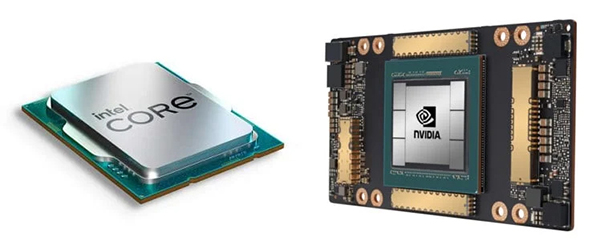
Not a priority. In backup, capacity, RAID level and drive reliability matter more than high CPU core count.