/ PLN
/ PLN
ERP system can run smoothly for years – provided it stands on a well-selected server, not a random configuration "because it suffices". In practice, most performance problems don't result from software itself, but from poor hardware decisions made at the start. Too few cores, memory selected "on a shoestring", slow disks or no headroom for growth – this is exactly where downtime, user frustration and IT department phone calls begin. If you're planning to buy hardware for ERP, it's not about choosing the most powerful possible machine. It's about selecting really needed power, leaving safe performance margin and not paying twice for migration in a year or two.
ERP doesn't forgive weak CPU – how many cores do you really need in company with 10, 30 or 80 users?
You need more cores than you intuitively assume, because ERP is highly transactional and multi-threaded environment. Most common mistake is selecting server like for file sharing, meanwhile ERP system processes parallel accounting, warehouse and sales operations all day. Focus especially on:
- number of active simultaneous users, not total employee count,
- intensity of reports and analytics that load processor in spikes,
- integrations with other systems (warehouse, e-commerce, BI),
- ability to expand from 1 CPU to 2 CPU without replacing entire platform.
In 10-15 user company often 6-8 cores of Xeon Silver class suffice, but already at 30 people you really start using 12-16 cores. When environment grows to 60-80 users, single processor stops being comfortable solution and you move to 2× CPU configurations that allow handling many database queries in parallel.
In practice, difference between 8-core and 24-core server isn't about "theoretical power", but whether users wait 2 seconds or 12 for document save. Models like:
- Dell PowerEdge R550 work well in smaller team,
- R650 is solid foundation for growing company,
- R750 provides space for large environments with intensive reporting.
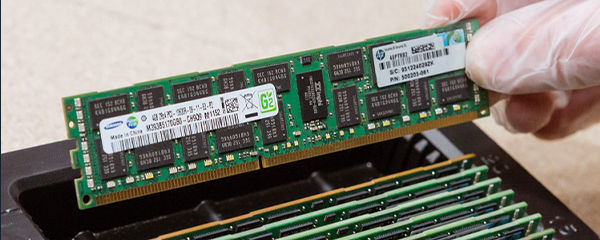
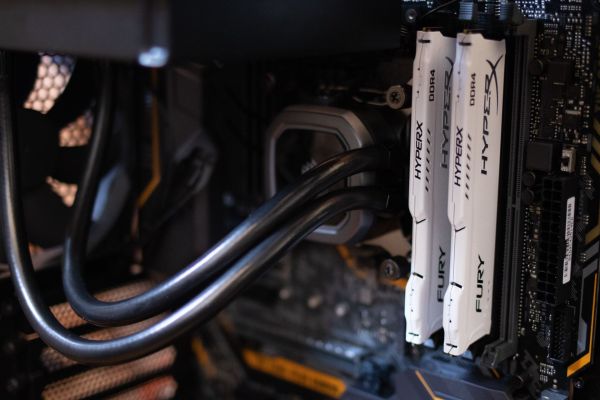
64 GB or 128 GB RAM – here begins the difference between smooth operation and database "grinding"
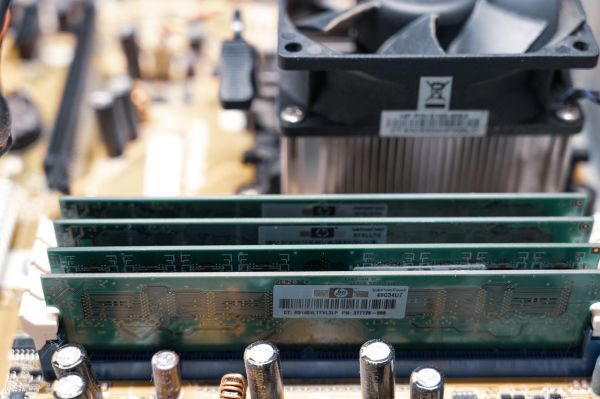
If ERP system runs on SQL Server, RAM memory becomes its real fuel. The more data fits in operating memory, the less often database reaches for disk, and this directly translates to application response speed. When configuring for ERP, focus on:
- minimum 64 GB RAM as starting point,
- safe buffer in form of 128 GB RAM with growing user count,
- use of ECC memory that eliminates write errors,
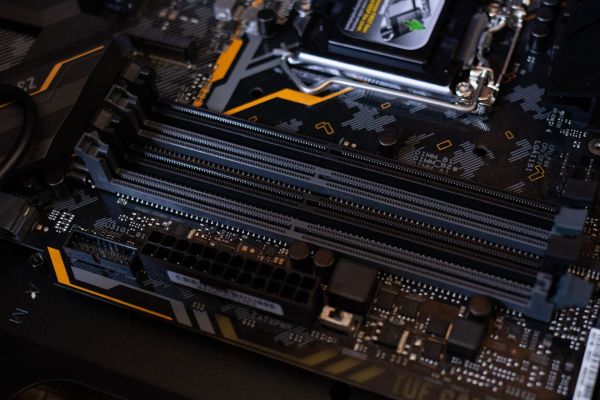
- availability of free slots for future expansion.
In 20-30 user environments 64 GB can work properly, but add a larger report, database update or extra integration and you start seeing performance drops. SQL uses memory as cache – if there's not enough, operations land on disk, and that's completely different latency level.
In practice, moving from 64 GB to 128 GB RAM often gives more noticeable effect than processor upgrade to higher model. In servers like R650 or R750 you have significantly more memory slots available, allowing environment expansion without downtime and without migration to new platform. Here a sensible principle appears – don't configure memory "for today", but for real company growth over next 2-3 years.
Server "for files" is not enough – what's the difference between ERP-dedicated machine and regular office server?
The difference is fundamental – a server for ERP must be treated as production environment, not document warehouse. With accounting or warehouse system, every operation is database write, record lock and instant data synchronization. If hardware isn't prepared for this, problems appear very quickly. Focus especially on:
- presence of hardware RAID controller, not simple software solution,
- enterprise-class disks with high write durability,
- redundant power supplies that eliminate downtime risk from PSU failure,
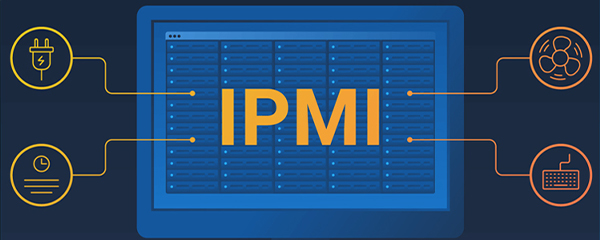
- remote management capability through iDRAC, without physical server presence.
Typical "office server" with single power supply and basic SSD might work for file sharing, but in ERP environment becomes a bottleneck. In practice this means slowdowns when closing month, generating reports or with larger number of concurrent warehouse operations.
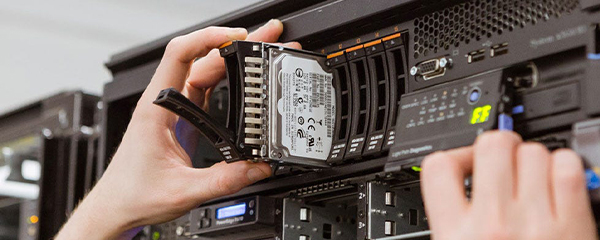
A machine like Dell PowerEdge R550 or R650 is designed for continuous operation – it has H730P or newer RAID controller, supports more disks and allows replacing component without shutting down entire system. This isn't a matter of "convenience", it's about business continuity.
When ERP stops responding, it doesn't stop one computer – sales, accounting and warehouse stop. That's why configuring hardware for ERP, stop thinking in office categories and start thinking in critical infrastructure terms.
RAID 10, SAS or NVMe – not every fast disk will speed ERP like you think
The biggest real performance increase in ERP comes from well-designed array, not single fast disk. In database environments, random write and read operations are key, and these require both proper number of disks and correct RAID level. Focus on
- implementing RAID 10 as standard for ERP systems,
- choosing enterprise-class SSD instead of consumer drives,
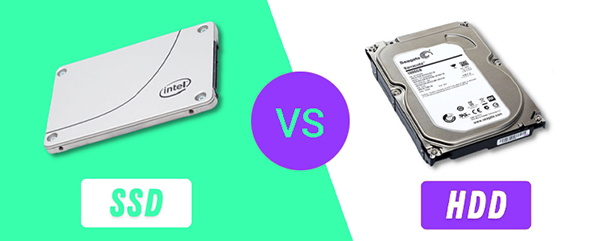
- analyzing difference between SAS 15K, SATA SSD and NVMe,
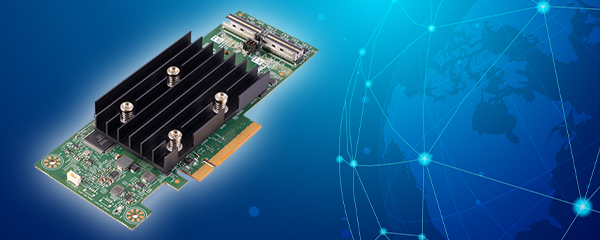
- RAID controller with own cache memory.
RAID 10 combines performance with safety – data is both mirrored and distributed, increasing input/output operations per second and minimizing data loss risk if one disk fails. In smaller environments good SAS or SATA server-class SSDs in RAID 10 fully suffice. However, with large databases, elaborate reporting or multiple branches working simultaneously, NVMe starts making the difference, offering much higher IOPS and lower latencies. However, it must be clear – NVMe alone without proper array configuration won't solve the problem. ERP performance is result of entire chain: RAID controller, disk count, drive type and proper cache configuration. If any of these elements is random, even expensive disk won't save the situation.
One or two processors – when does going for 2× CPU configuration make sense and you won't regret it in two years?
Second processor starts making sense when ERP environment stops being single-threaded load and becomes multi-service platform. This means not just more users, but also integrations, reports, analytics modules or additional applications running in parallel. Consider 2× CPU configuration if:
- number of active users exceeds 40-50 people,
- you're planning additional ERP module development,
- database exceeds dozens of gigabytes and grows dynamically,
- server must also handle other services (e.g. local backup or API integrations).
Single Xeon Silver processor might suffice in smaller company, but with growing transaction volume it lacks parallelism. 2 × Xeon Silver or Xeon Gold configurations available in models like R650 or R750 allow spreading load and maintaining smooth operation even with intensive system use.
Importantly, the decision about two processors is worth making at platform purchase stage, even if you add the second CPU later. Choosing server without this possibility closes development path and forces complete hardware replacement in future. And ERP migration always requires planning and time.
Are you buying server for today or 3 years? How to plan ERP without costly migration
Well-selected ERP server should withstand at least several years of company growth without needing platform replacement. In practice this means leaving computational power, memory and disk space headroom. Focus on:
- free RAM slots for future expansion,
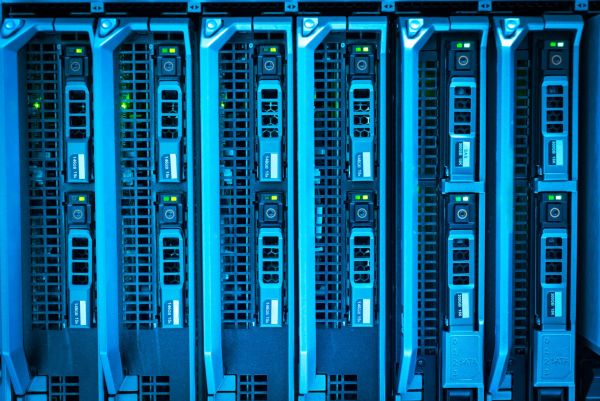
- headroom in drive bays for additional disks,
- support for higher processor models in same platform,
- ability to go from 1 CPU to 2 CPU without chassis change.
Companies rarely stay in place. New modules arrive, more integrations, user count increases, database grows systematically. If you configure server exactly "for current consumption", you'll hit performance limit very quickly.
Ultimately it's about one thing – ERP should support business growth, not limit it. If server becomes a bottleneck, the problem isn't the system, but the decision made at configuration stage.
FAQ
Does ERP suffice with single processor server?
Yes, mainly in small environments up to 15-20 active users without elaborate reports and integrations. If company grows or ERP handles multiple departments simultaneously, it's worth choosing platform with 2 CPU expansion ability to avoid server replacement in 1-2 years.
How much RAM is safe for ERP system?
Real minimum is 64 GB RAM, but with 25+ users safer choice is 128 GB RAM. SQL Server intensively uses memory as cache, so more RAM often gives bigger performance increase than processor upgrade.
Is NVMe always the best choice?
Not always – in many companies SAS SSD in RAID 10 provides fully sufficient performance. NVMe makes sense with large databases and intensive reporting, where very high IOPS and low latencies matter.
Why is RAID 10 recommended for ERP?
Because it combines high write performance with data safety. Unlike RAID 5 or RAID 6 it handles intense database operations better, directly affecting user experience smoothness.
Tower or Rack for ERP?
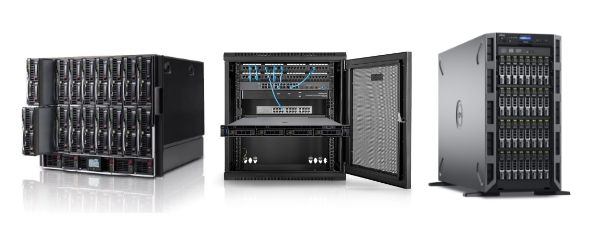
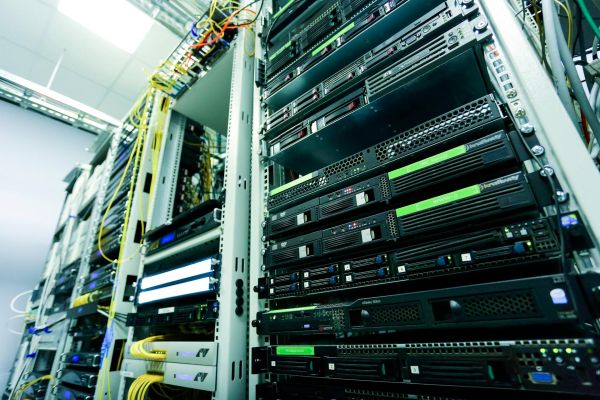
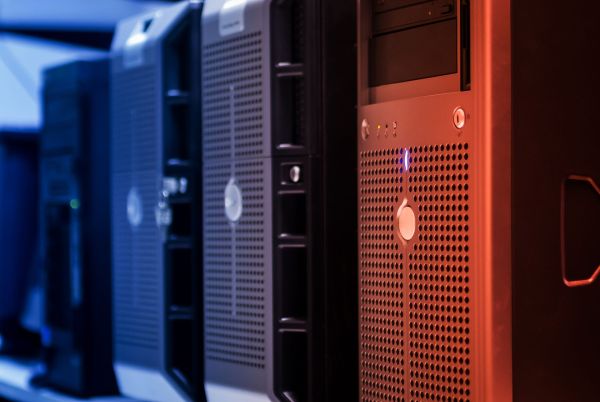
In small company without server room Tower will work, but with larger environment and growth plans Rack is better choice, offering greater scalability and ability to expand with additional components.
How many years should ERP server suffice?
Well-selected configuration should work 3-5 years without platform replacement. Key is leaving CPU power, RAM and disk space headroom so company growth doesn't force costly migration.