/ PLN
/ PLN
If you reach moment when you wonder "should I keep pushing on workstation or move to server" – that means you're exactly at point where real AI infrastructure begins. And here decision really makes difference, because it affects not just performance but also how you'll work in 3-6 months.
GPU in AI is not FPS – only VRAM and scaling. Most choices go wrong here
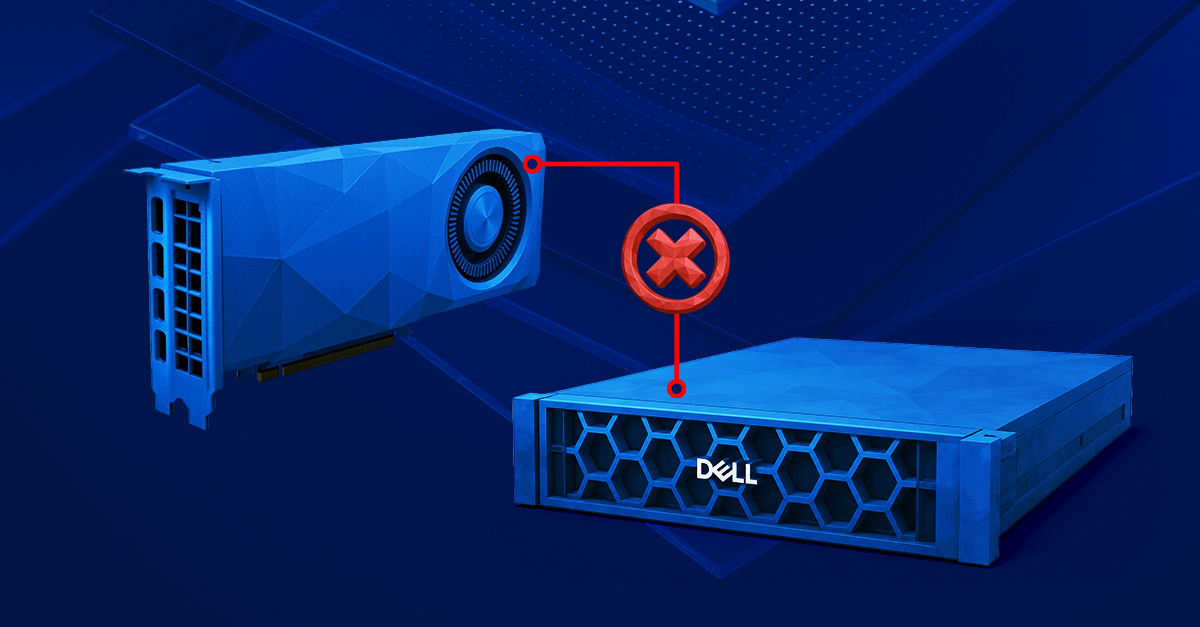
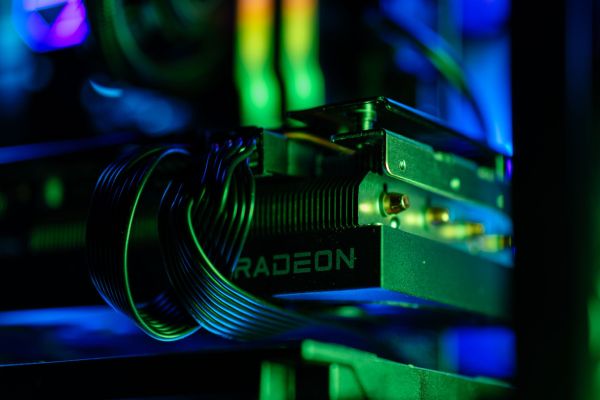
If you're thinking about working with AI and looking at graphics card like gaming benchmarks – stop for a moment. In this world it's not FPS that matters, only completely different parameters. Most important of them is VRAM, meaning graphics card memory, plus whether you can work in parallel on multiple GPUs. And here first big difference appears between "workstation" and "GPU server" approaches.
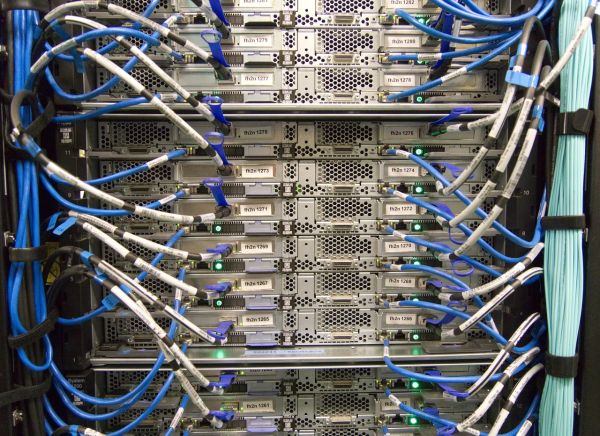
It can be that 7B model needs about 14-16 GB VRAM, but if you move into something bigger – e.g. 30B – suddenly it becomes 40-80 GB VRAM and more. And then single card, even very powerful, starts being limitation. That's why production environments use multi-GPU, NVLink and servers like Dell PowerEdge R750xa or R760xa, which allow handling multiple cards simultaneously without bottlenecks.
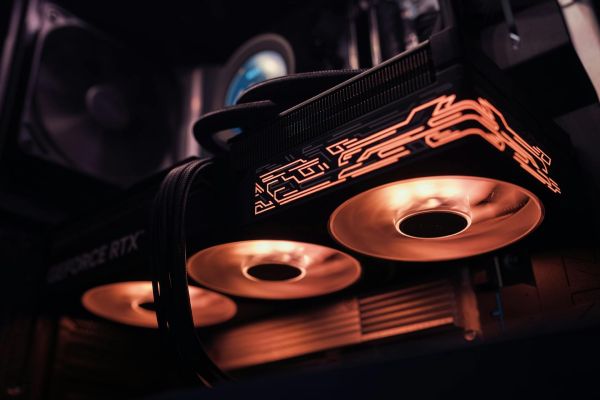
On other hand – and this is moment when many people burn budget – for simple things like Stable Diffusion, local LLMs (Ollama, LM Studio) or experiments, single RTX 4090 card with 24 GB VRAM can do more than 3 weaker GPUs in server, if you work solo. So "more" doesn't always mean "better".
Worth remembering one thing:
- VRAM = whether model runs at all
- number of GPUs = how fast you do it at larger scale
And that's foundation you should start from – not server model or price.
Workstation or GPU server? In practice: one user vs entire team – and it changes everything
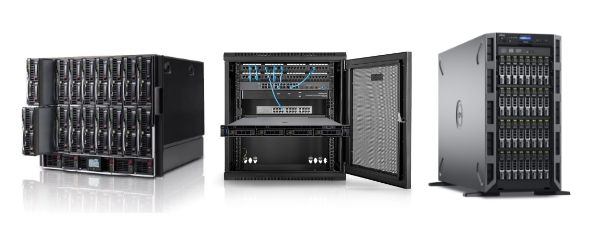
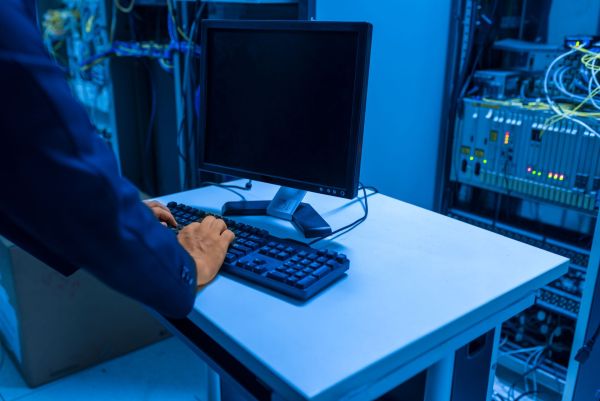
Simplest and most honest distinction is: workstation is hardware for one person, server is infrastructure for team. And that really changes everything – from how you work, through performance, to costs.
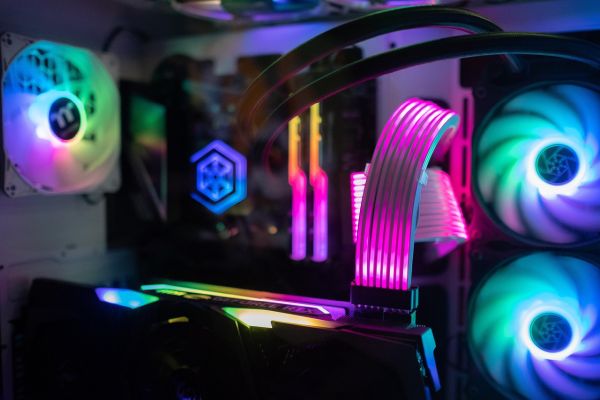
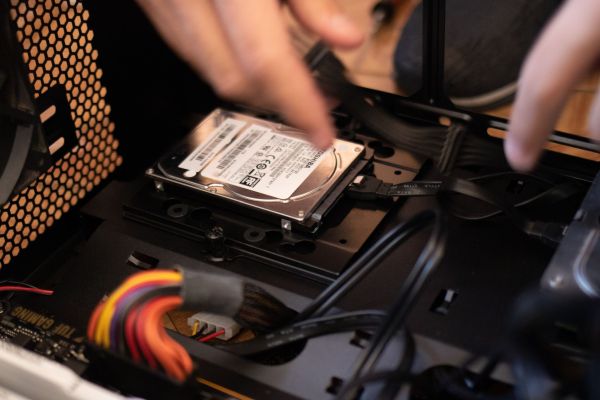
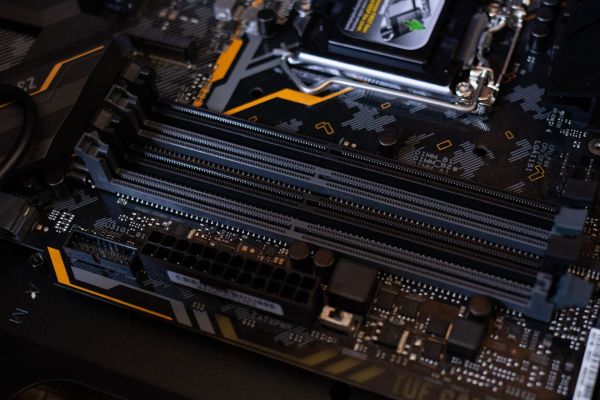
Workstation, even very powerful – e.g. with Threadripper, 128-256 GB RAM and RTX 4090 or RTX A6000 – works great if you work locally. You have full control, everything happens "here and now", without network delays. This is ideal environment for:
- model testing,
- creative work (graphics, content generation),
- development.
But the moment second user appears, API or need for continuous operation – things get complicated. No redundancy, no remote management at iDRAC / iLO level, limited scalability – all this shows up very quickly.
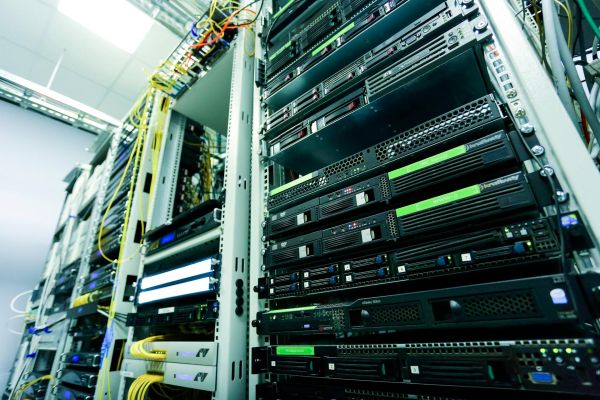
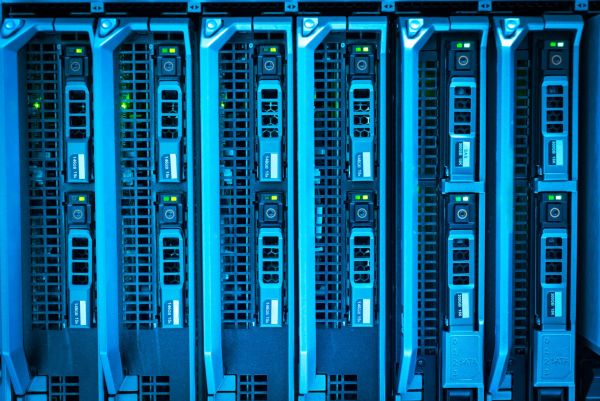
GPU server is completely different philosophy. Here you have:
- 24/7 operation without breaks,
- remote access for multiple users
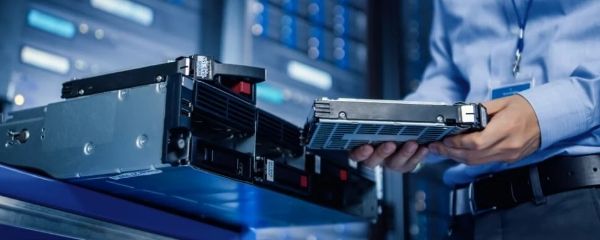
- redundant power supplies and hot-swap disks,
- full management through iDRAC or iLO.
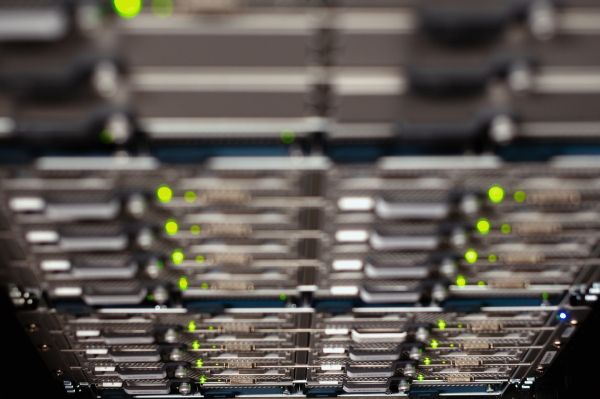
And that's why with team projects – even small ones – servers like Dell R7425 with 3× NVIDIA L4 start making sense much faster than it seems. Because it's not just about power, but about environment stability and availability.
Prototype, API or model training? Answer this first before choosing hardware
Most common mistake? Selecting hardware without defining what you actually want to do with it. Because AI isn't one use case – it's several completely different scenarios.
If you're doing prototyping, testing, LoRA, Stable Diffusion or local models, then workstation with one powerful card is most sensible choice. Gives speed of operation, no delays and lower entry cost. And importantly – you don't need server infrastructure for this to make sense.
But if you're building something bigger – e.g.:
- chatbot for customers,
- recommendation system in e-commerce,
- API for content generation,
then you enter world where continuous operation and handling multiple requests simultaneously matter. And here server becomes natural choice. Several GPUs (e.g. 3× L4 or A40), fast NVMe and 10/25 GbE network make huge difference in practice.
Most demanding scenario is training larger models. Here without multi-GPU and large VRAM (often 100 GB+) there's no point. And this is moment where configurations like:
- Dell R750xa + 3× A100,
- Dell R760xa + L40S,
stop being "overkill" and become just working tools.
So before entering configurations, answer directly: are you building for yourself or for users. Because 80% of hardware decisions depend on that.
Why companies migrate from workstation to rack server after few months – and what it means for you
At beginning everything works great. You have powerful workstation, RTX 4090 or RTX A6000, models launch, results are fast. Problem starts when task count or users grow. Suddenly one machine must do several things at once – and resources start running out.
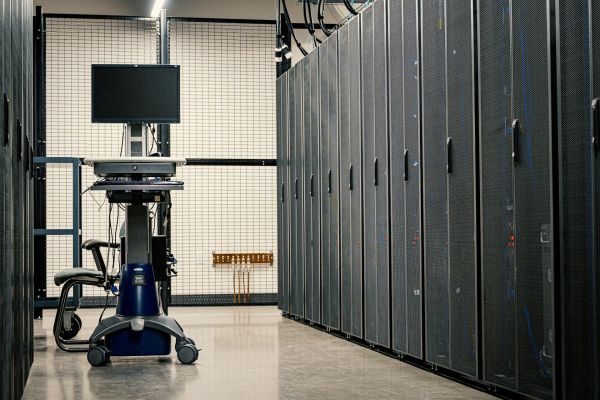
In practice it looks like companies very often start with workstation and after several months move to rack server because they need stability, remote access and parallel work. This isn't theory – it's real pattern repeating in most AI deployments.
If you see project will grow, better predict this early instead of doing "quick" migration.
Multi-GPU sounds good, but solo often doesn't make sense – when it really speeds work
Many people assume more cards = better. And here classic trap appears. Multi-GPU makes sense only when you have workload that can use it – e.g. batch processing, training or API handling multiple requests.
If you work alone and do single tasks, often one powerful card (e.g. RTX 4090) will be faster than several weaker GPUs in server. Without proper task division and optimization – additional GPUs just sit idle.
So before entering 3-4 card configurations, check if your case even uses this. Because budget burns very easily here.
AI cost without BS: workstation cheaper at start, server cheaper at scale
At start everything points to workstation. 20-40k PLN vs 50-80k PLN for server – difference is big. And actually, for start this makes sense.
But if you look wider, something called TCO (total cost of ownership) appears. Server, despite higher price, becomes more profitable with larger load because:
- manages power better with multiple GPUs,
- has more efficient rack cooling,
- supports more users on one platform.
In practice this means with team work or long model training, server can be 30-50% cheaper to maintain.
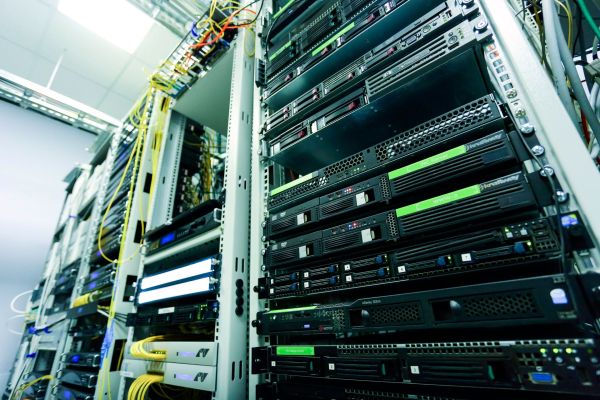
Rack, tower or hybrid – how AI environments are really built in companies today
Rarely anymore is choice "either-or". In practice mixed approach usually wins, meaning:
- workstation for development and testing,
- GPU server for production and scaling.
This way you can work locally, quickly iterate models, then move finished solution to server that handles users or API.
This approach is today standard – because it gives flexibility and avoids situation where one environment tries doing everything at once.
FAQ
Does workstation suffice for working with AI?
Yes, if you work solo and do prototypes, tests or local models. At larger scale resources quickly run out.
Does GPU server make sense for small company?
Yes, if you have more than one user or plan API/inference. Then stability and availability matter.
How much VRAM do I need to start?
For simple models – about 16-24 GB. For larger projects or training – often 48 GB+ or multi-GPU.
Does RTX 4090 work for AI?
Yes and works very well for local work. Problem appears only with long loads and 24/7 operation.
When to move from workstation to server?
When you start handling more than one process or user and need stability, not just power.
Does server have to be new?
No. Recertified Dell or HPE servers often offer very good price-to-performance ratio and are ready for deployment right away.