/ PLN
/ PLN
A question we hear from companies on a regular basis is: "Why do I need a separate storage array if I can just add more drives to the server?" It's a good question – and the answer isn't obvious. Because adding drives without a plan can actually lower reliability rather than raise it.
A disk array isn't just about "more space" – it's about more capacity, performance, and security all at once, provided you match it and the RAID level to what you actually need. Below, we explain when an array makes sense, what not to expect from it (spoiler: it's not a backup), and how to avoid the "more drives is always better" trap.
Where does an array's advantage come from?
The whole concept is now more than 35 years old. When RAID was first conceived in 1988, its creators noticed something simple: a group of relatively inexpensive, smaller drives can deliver greater capacity, speed, and reliability at the same time than a single large drive. And that's the core idea – an array solves three problems at once, not just one.
Performance comes from parallelism. Data is spread across multiple drives (striping), so read and write requests are handled simultaneously. In practice, four drives read and written in parallel can deliver throughput nearly four times higher than a single drive. That's why an array works so well for databases, virtualization, or files shared by many users at once.
On top of that come features a single drive simply doesn't have: hot swap (replacing a failed drive without shutting down the array) and hot spare (a standby drive that automatically takes over for a failed one). Thanks to these, a properly configured array can ultimately be more reliable than a single drive – even though, statistically, it has more components that could fail.
Why doesn't "more drives" automatically mean "safer"?
This is where many people trip up. Every additional drive is another component that can fail – so the average time to the first failure in an array is shorter than for a single drive, not longer. The numbers can be surprising:
|
Configuration |
What it means for reliability |
|
Single drive (MTBF ~136 years) |
The baseline – one drive, one risk. |
|
200 drives, WITHOUT redundancy |
Average time to first failure drops to around 0.65 years. The more drives, the more often something fails. |
|
RAID 0 with 4 drives (MTBF 100,000 h each) |
Array MTBF = 25,000 h – meaning it's less reliable than a single drive. |
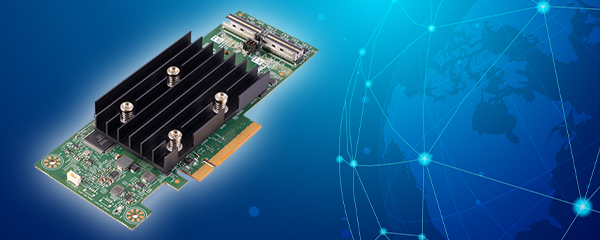
The conclusion is simple: it's not the number of drives that provides safety, but redundancy – parity or mirroring. RAID 0, meaning pure striping with no redundancy, is actually less safe than a single drive, because the failure of any one drive takes down the whole array. That's why choosing a RAID level is a deliberate trade-off between capacity, performance, and fault tolerance – not a default "just pick something" setting. If you're building this on a server, the heart of the system will be the RAID controller, and for a standalone array – its controllers.
An array is not a backup – and this matters
Even a fully redundant array does not replace a backup. This is one of the most common misconceptions. Drives today are so large that rebuilding data after a failure takes a long time – and during that time, the risk of another drive failing increases. If it's the second drive in a group with no remaining fault tolerance, you lose data despite the "safe" configuration.
On top of that, an array doesn't protect against what most often destroys company data: accidental deletion, ransomware, or a file being overwritten. RAID will faithfully replicate an error too. That's why an array and a backup are two different layers – one ensures continuity of operation, the other the ability to go back in time. We covered how to structure the latter in our piece on data archiving.
Which array for which purpose – interface and drive class
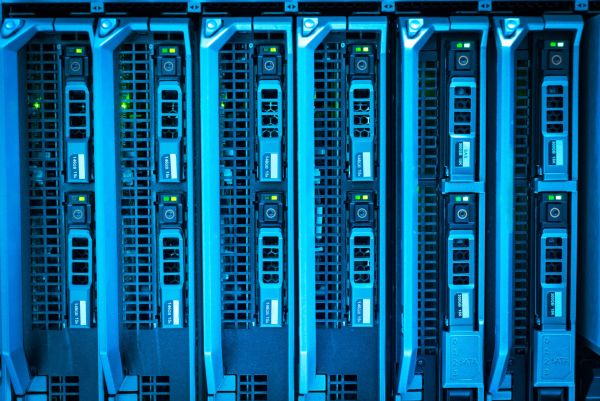
Two things matter most when choosing an array: how you connect it and what drives you put in it. The interface determines whether the array sits directly next to the server or serves the entire network. Based on our experience, three variants work best most often:
|
Interface |
Who it's for |
Example from our range |
|
SAS (DAS) |
Direct connection to a single server – a simple and inexpensive entry point into disk arrays. |
PowerVault MD1220 – a 24× 2.5" enclosure. |
|
iSCSI |
A SAN over standard Ethernet – shared resources for several servers without expensive infrastructure. |
PowerVault MD3200 and its iSCSI variant – 2 controllers, path redundancy. |
|
Fibre Channel |
High throughput and low latency – demanding SAN environments, larger databases. |
FC models from the PowerVault MD line with optical modules. |
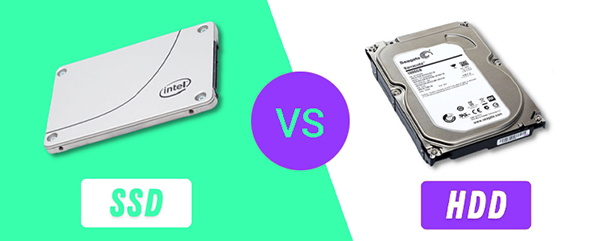
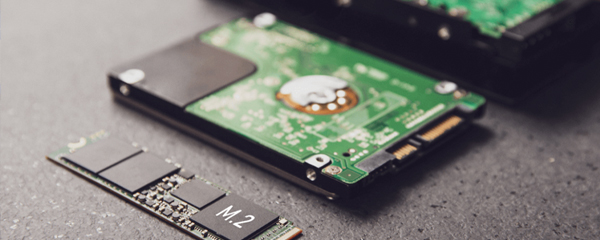
The second factor is the drives themselves. Enterprise-class drives are designed for 24/7 operation and offer higher reliability and better error handling than desktop drives, which can fail prematurely in a server environment. This is a real difference, not marketing – which is why it doesn't pay to cut corners with "desktop" drives in an array. Depending on your workload profile, you can choose from SAS/SATA drives, faster SSD drives, or the most performant NVMe drives.
Where are modern arrays headed?
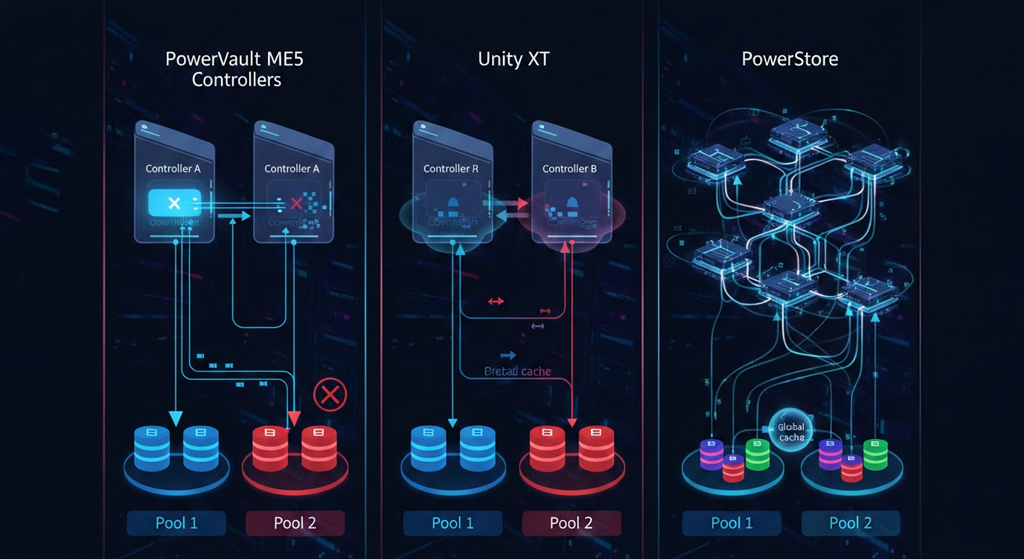
It's worth knowing the direction this is heading, because today an array is increasingly a single platform handling many tasks at once. Modern systems, such as Dell PowerStore, handle block storage (iSCSI, Fibre Channel, NVMe), file storage (SMB, NFS), and virtual machines simultaneously on a single engine – allowing you to consolidate different workloads instead of buying separate hardware for each one.
The scale is impressive too: PowerStore claims availability of 99.9999% ("six nines") and effective capacity measured in petabytes, while all-flash arrays can exceed a million IOPS. Interestingly, some newer platforms no longer give the user a choice of RAID level at all – data protection is fully automated. That's convenient, but it doesn't excuse you from thinking about backup, or from checking whether a given array class actually fits the scale of your business. You'll find the full range in our disk array offering, and if you're interested in flash storage specifically – in the all-flash arrays section.
Matched and ready to work
An array isn't hardware you buy by guesswork. With us, you get it configured for your specific use case: with the right RAID level, redundant controllers and power supplies where continuity matters, and enterprise-class drives instead of random ones. Every unit is tested before shipping and covered by a 12–36 month warranty.
Not sure whether a DAS array is enough for your case, or whether you need a Fibre Channel SAN? Tell us how much data you have, how many users, and what needs to access it – we'll put together a configuration so you don't overpay for specs you won't use.
FAQ
Does an array replace a backup?
No. An array protects against drive failure and ensures continuity of operation, but it won't undo a deleted file, an overwrite, or ransomware damage. Backup is a separate, essential layer.
Does more drives always mean safer?
No. Without redundancy, every additional drive increases the risk of the whole array failing. Safety comes from redundancy (parity, mirroring), not from the number of drives alone.
What's the difference between an array and drives inside a server?
An array provides parallelism (higher performance), hot-swap and hot-spare mechanisms, and – with the right RAID – resilience against drive failure. It's a scalable, manageable solution, not just "more space."
RAID 0 – when does it make sense?
Only where pure performance matters and the data is non-critical or easy to recreate. RAID 0 has no redundancy at all and is less reliable than a single drive.
SAS, iSCSI, or Fibre Channel?
SAS (DAS) – simple connection to a single server. iSCSI – shared resources over a standard Ethernet network. Fibre Channel – the highest throughput for demanding SAN environments.