/ PLN
/ PLN
A business server is a dedicated computer whose sole job is to serve other devices in your company – sharing files, hosting a database, running ERP, handling email, performing backups. Unlike an office computer, it runs 24/7, has redundant components (power supplies, drives in RAID – meaning an array resistant to a single drive failure), and is managed remotely. And this is where the question we hear most often comes up: "if I already have hosting, why do I need my own server?" The answer is short, but needs some unpacking – because these are two different things for two different jobs.
How does a server actually work in a company?
A server isn't meant to be worked on directly – it's meant to serve everyone who works on their own computers. When the accountant opens Optima, a salesperson checks inventory levels, and someone else grabs a file from the network drive – they're all querying the same server. That's why things that are secondary on an ordinary PC matter here: uninterrupted operation, fault tolerance, and remote management.
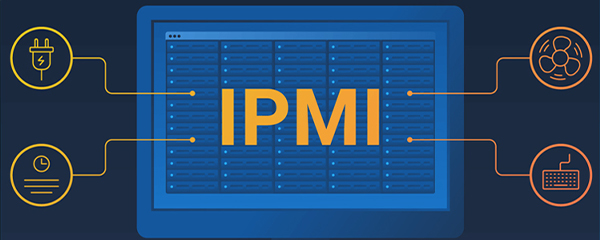
That remote management is iDRAC (on Dell servers) or iLO (on HPE) – a separate chip that lets an administrator diagnose, restart, or reinstall the server without leaving their desk, even when the operating system itself is down. In practice, this means a failure can often be fixed remotely before anyone in the company even notices. This isn't theoretical: in 2025, 40.5% of Polish companies used ERP-class software, and more than a quarter ran their own data analytics – and both of these applications need stable infrastructure that shared hosting simply can't provide.
Business server vs. web hosting – where the difference lies
Web hosting, especially the shared kind, means renting a slice of someone else's server, shared with dozens of other customers. Cheap and convenient for a simple website, but inherently limited: you don't have full control over the configuration, performance depends on your neighbors, and security depends on the provider. A business server flips this arrangement: full control over the hardware, data, and security, at the cost of a higher upfront investment and the need for management.
Interestingly, hosting providers themselves talk about the limitations of shared environments. In an industry report for 2026, 53% of them cite outdated software, and 51% cite malware, as the main sources of security risk. In other words: this isn't marketing scare tactics from a server vendor – it's the hosting industry admitting it themselves. Let's compare both approaches directly:
|
Aspect |
Shared hosting |
Business server |
|
Control |
limited, dependent on the provider |
full control over configuration and data |
|
Performance |
shared with other customers |
full power dedicated to your applications |
|
Security |
shared environment, shared risk |
isolation, physical control |
|
Cost |
low, subscription-based |
investment + maintenance |
|
Typical use case |
website, simple online store |
ERP, databases, virtualization, backup |
It's worth adding that this isn't an "either-or" choice. In 2025, 52.74% of EU companies used paid cloud services, but only 45.52% kept databases in it – the rest of their key resources still run locally. The larger the company, the more often you see a hybrid model: some services in the cloud, critical systems on a company-owned server. We cover this trade-off in more depth in our piece on the advantages of on-premise hardware over cloud solutions.
What does a business server actually do?
Within a single company, a server often handles several things at once – frequently on virtual machines, essentially "servers within a server." Here are the tasks we encounter most often.
- Files and printing – shared, controlled access to documents instead of files scattered across individual computers.
- Email and business applications – a dedicated server for email, CRM, accounting systems.
- ERP and databases – Comarch ERP, Optima, Enova365, SAP, or SQL Server need a stable, high-performance backend.
- Virtualization – VMware, Hyper-V, or Proxmox let you run multiple systems on a single machine.
- Backup and archiving – backups kept under your own control, not just "somewhere in the cloud."
That's why, when choosing a server, we don't just ask about specs – we ask what needs to run on it. A machine for a 10-person file server is chosen very differently than one for a SQL database running ERP at a manufacturing company.
Tower, Rack, Blade – and recertified servers
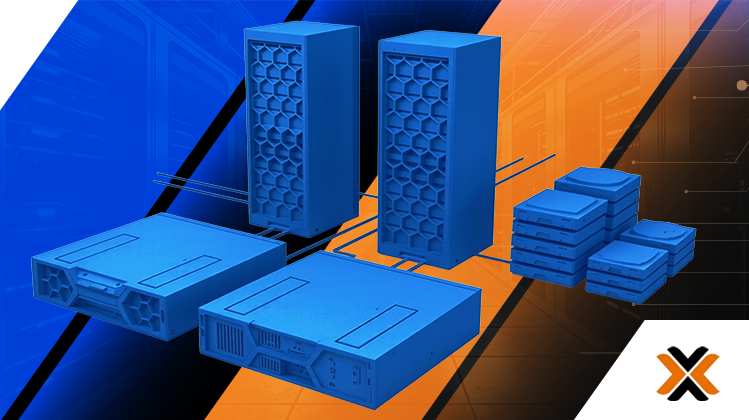
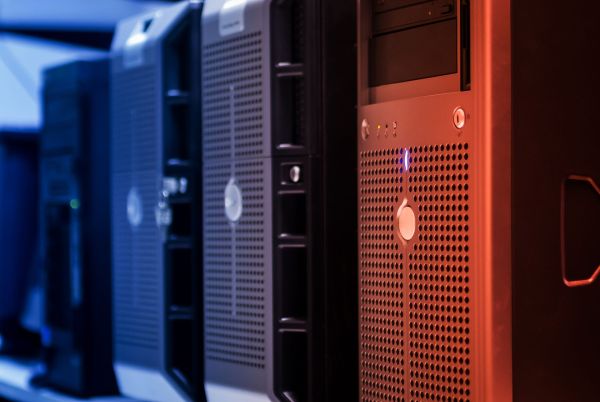
Servers are primarily categorized by chassis format, and the choice follows directly from how many you have and where they're located:
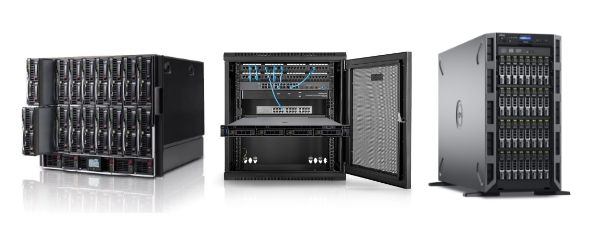
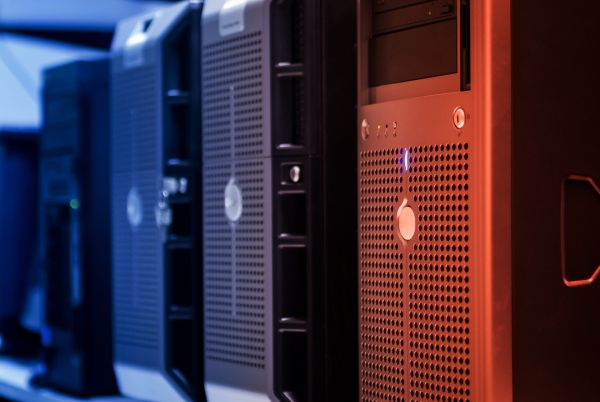
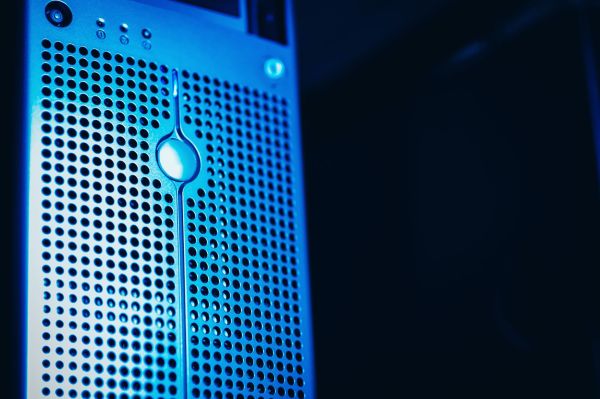
- Tower servers – a freestanding chassis like a large PC. Doesn't require a rack or a server room, can sit in an office. The natural first server for a company (5–20 workstations).
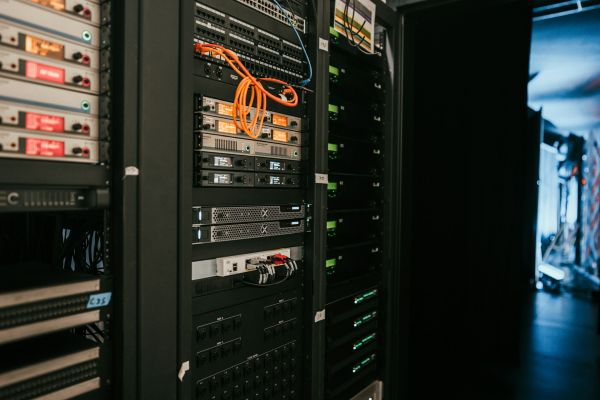
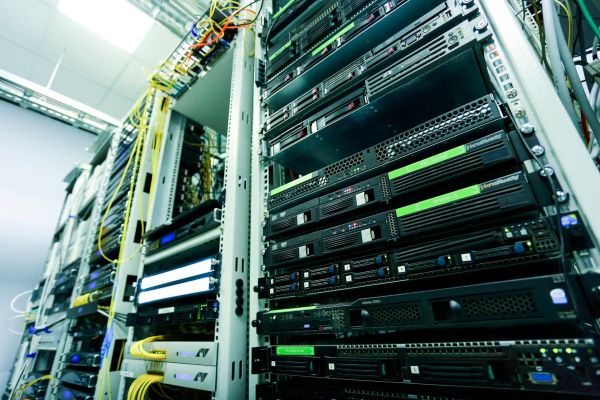
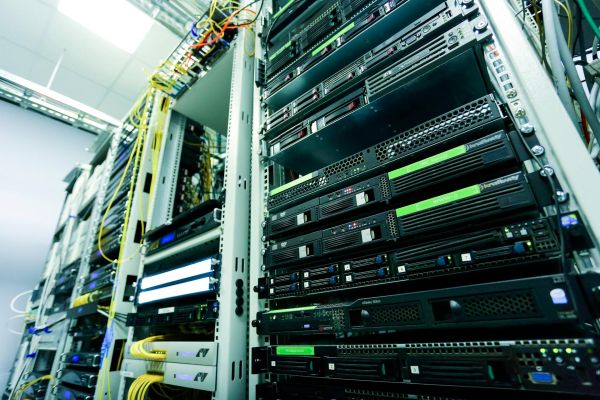
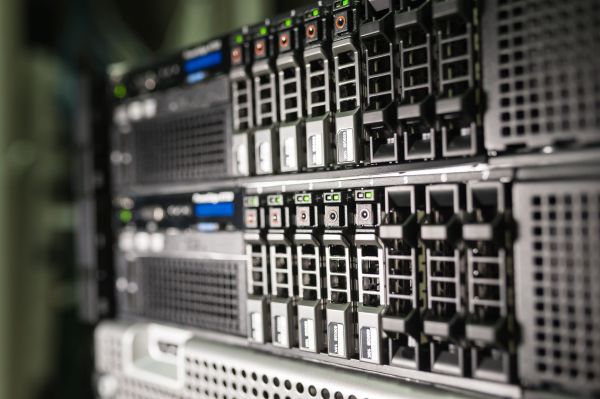
- Rack servers – mounted in a 19" cabinet, 1U/2U density. The server room standard, scales along with the company.
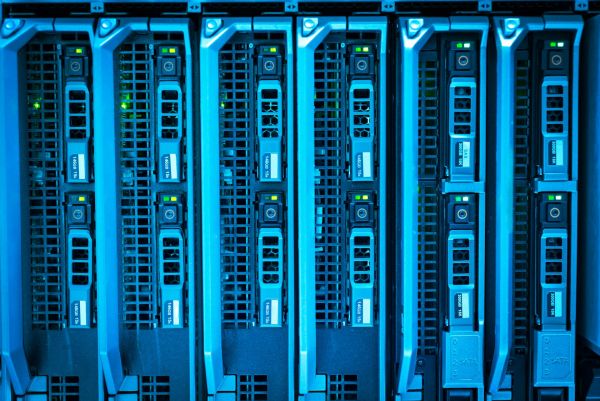
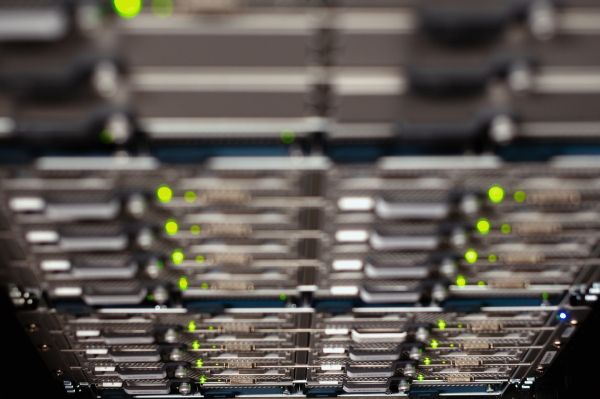
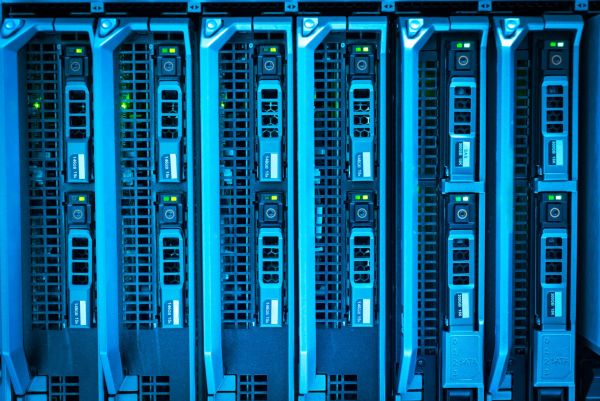
- Blade servers – modules in a dedicated enclosure, maximum computing density for large data centers.
A separate, increasingly important segment is recertified servers – refurbished hardware that delivers most of the performance of a new machine at a fraction of the price. This isn't a niche market: the global refurbished hardware market was valued at $85.42 billion in 2021, with a forecast of $272.91 billion by 2031. We break down when a new machine makes sense versus a recertified one in a separate article: new server or recertified server.
Why it's worth having your own server – the hard arguments
The easiest way to show this is through the cost of not having one. A server reliability survey found that 48% of companies estimate the cost of one hour of unplanned downtime at over $1 million. That's the extreme end of the scale, but even in a smaller company, a few hours without ERP or a database can bring sales, production, and accounting to a halt all at once.
On top of that comes a dimension that's getting harder to ignore – regulatory compliance. Non-compliance with the NIS2 directive carries penalties of up to €10 million or 2% of global turnover for essential entities. An enterprise-class server gives you an edge here: models like the Dell PowerEdge include hardware-based chassis intrusion detection (working even when the power is off) and are designed in line with NIST guidelines on firmware resilience. This simply isn't something you get with shared hosting. We cover this topic further in our article on cybersecurity under the NIS2 directive.
And one more figure that puts reliability into perspective. Enterprise-class servers are measured in "nines of availability" – top-tier platforms achieve 99.9999999%, or roughly 31 milliseconds of downtime per year. That's a level unreachable by a typical shared hosting SLA, and a good indicator of the class of hardware we're talking about.
Before you build your own server room
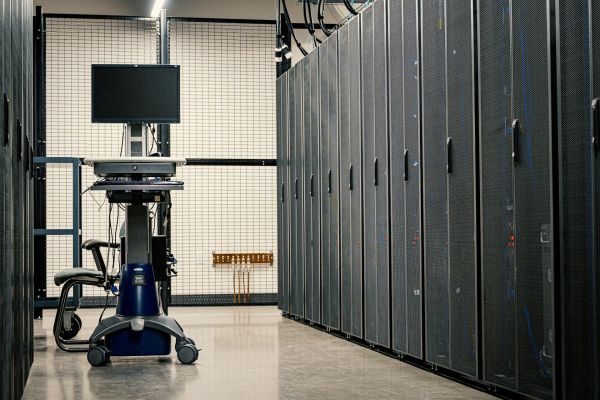
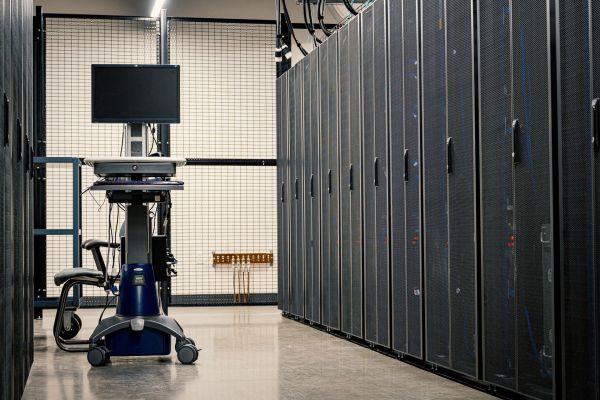
If you're thinking not about a single office server but about your own server room, it's worth knowing this is a separate construction and engineering project. Real-world requirements from professional server room documentation include reinforcing the floor to support the weight of the racks, N+1 redundant precision air conditioning, UPS backup power, a fire suppression system, and access control (fire doors, card readers, intrusion alarms).
On top of that comes energy efficiency, measured by the PUE metric – the closer to 1.0, the less power is lost to cooling. Small business server rooms tend to perform poorly here: unoptimized ones run at a PUE of around 2.0 (for every 1 W of IT equipment, another watt goes toward cooling and power delivery), while hyperscalers get down to 1.1. This is one reason many companies prefer a single, well-matched server in the office over building their own server room – or move their hardware to an external data center.
Which server for which company – three concrete starting points
Below is one proven recommendation for each scale. Treat these as a starting point – the final configuration is always matched to the specific workload:
|
Company size |
Model |
Why |
|
Micro / small (5–20 workstations) |
Dell PowerEdge T350 (Tower) |
Xeon E-2300, up to 128 GB RAM, up to 8 drives. No rack or server room needed – files, email, simple ERP, backup, light virtualization. |
|
Medium (20–150 people) |
Dell PowerEdge R650 (Rack 1U) |
2× Xeon Scalable, up to 8 TB RAM, up to 10 NVMe drives. Virtualization (VMware/Proxmox/Hyper-V), SQL databases, ERP, remote work. |
|
Large / demanding (AI, large databases) |
Dell PowerEdge R7625 (Rack 2U, EPYC) |
2× AMD EPYC 4th gen, up to 256 cores, DDR5, PCIe Gen5, GPU support. Large-scale virtualization, VM consolidation, AI/ML, analytics. |
You'll find the full range in our servers category – both Dell PowerEdge and HPE ProLiant, and if you need to consolidate several servers into a single enclosure – the Dell PowerEdge VRTX. For design or rendering studios, we also recommend our Dell Precision workstations.
Where to start
A business server and hosting aren't competitors – they solve different problems. Hosting keeps a website running. Your own server gives you control, performance, and security where your data and critical systems live: ERP, databases, virtualization, backup. And the decision is rarely all-or-nothing – a hybrid model is usually the best fit.
If you'd rather not guess what hardware is right for you, tell us how many users you have and what needs to run on the server – we'll select processors, RAM, drives, and the RAID level to match your specific workload. Every configuration you receive is tested, ready to deploy, and covered by warranty. If you're still getting oriented, a good starting point is our guide "Which server to choose?" and our Knowledge Base.
FAQ
What's the difference between a business server and web hosting?
Hosting is a rented slice of someone else's shared server – cheap, but with limited control and performance. A business server is your own machine, giving you full control over configuration, data, and security, designed for critical systems like ERP, databases, and virtualization.
What does a server in a company do?
It shares files and handles printing, runs email and business applications, hosts ERP and databases (SQL, Comarch, Optima), handles virtualization, and manages backup. It usually handles several of these tasks at once, often on virtual machines.
Does a small company need a server?
If it uses ERP, shared files, email, or backup under its own control – yes. For 5–20 workstations, a tower server is usually enough, requiring no rack cabinet or server room and able to sit in the office.
Tower, rack, or blade – which to choose?
Tower is the first server for a small company (no server room needed). Rack mounts in a 19" cabinet and scales with the company. Blade offers maximum density for large data centers. The choice depends on the number of servers and available infrastructure.
Is a recertified server a good choice?
Yes, as long as it's tested and covered by a warranty. It delivers most of the performance of a new machine at a fraction of the price – a growing, mainstream market segment, particularly sensible for SMBs.
Own server or cloud?
Usually both. Companies typically keep databases and critical systems local, while running selected services in the cloud – the larger the company, the more often it chooses a hybrid model instead of "either-or."
Sources
GUS – Information Society in Poland in 2025 – https://stat.gov.pl/files/gfx/portalinformacyjny/pl/defaultaktualnosci/5497/2/15/1/spoleczenstwo_informacyjne_w_polsce_w_2025_r..pdf
GUS – Information Society in Poland in 2018 – https://stat.gov.pl/files/gfx/portalinformacyjny/pl/defaultaktualnosci/5497/2/8/1/spoleczenstwo_informacyjne_w_polsce_w_2018_roku.pdf
Eurostat – Cloud computing: statistics on the use by enterprises – https://ec.europa.eu/eurostat/statistics-explained/SEPDF/cache/37043.pdf
Eurostat – Digital economy and society statistics: enterprises – https://ec.europa.eu/eurostat/statistics-explained/SEPDF/cache/33473.pdf
WebPros – 2026 Web Hosting Trends Report – https://www.webpros.com/wp-content/uploads/2026/03/Web-Hosting-Trends-Report-2026.pdf
ITIC – 2024 Global Server Hardware, Server OS Reliability Survey – https://www.lenovo.com/content/dam/lenovo/dcg/global/en/products/servers/itic-2024-global-server-hardware-server-os-reliability-report.pdf
Kancelaria RBR – The NIS2 Directive in Questions and Answers – https://kancelariarbr.pl/wp-content/uploads/2025/05/NIS2.pdf
Dell Technologies / KompasIT – Secure Server Environment – https://transformation-experts.pl/wp-content/uploads/2024/07/KompasIT_Bezpieczne-Srodowisko-Serwerowe_Rekomendacje_Dell-Technologies.pdf
Trojan Electronics – The rise of refurbished electronics – https://trojanelectronics.co.uk/wp-content/uploads/2023/08/Trojan-Report_The-rise-of-refurbished-electronics_exploring-consumer-attitudes.pdf
Green Algorithms: Quantifying the carbon footprint of computation (arXiv) – https://arxiv.org/pdf/2007.07610
USPTO – System and method for energy harvesting in a data center – https://image-ppubs.uspto.gov/dirsearch-public/print/downloadPdf/10693052