/ PLN
/ PLN
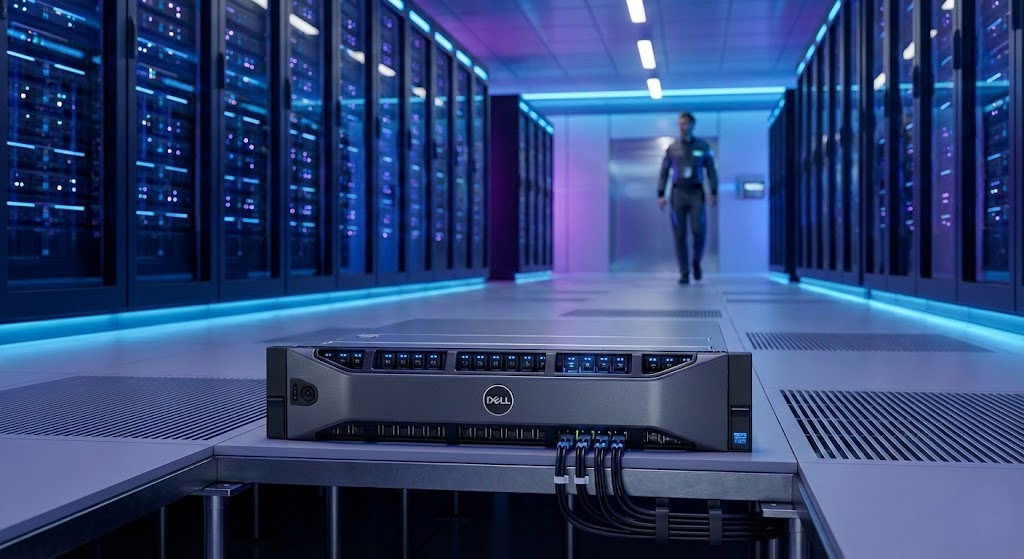
"What type of server should I choose?" is actually three different questions asked at once – and most confusion comes from mixing them up. Because "rack server," "cloud server," and "file server" aren't variants of the same thing. They're three independent axes: where the server sits, what shape it has, and what role it performs.
The very same physical rack server in your server room can simultaneously be a domain controller and a file server. So instead of yet another list of definitions, we'll walk through these three axes one by one – and at the end, show how to combine them into a single purchasing decision.
Axis 1: where does the server sit, and who manages it?
The first decision concerns location and management. You have four basic options.
- On-premise – a server in your own server room. Full control, but also full responsibility for power, cooling, and security.
- Colocation – your own hardware, housed in someone else's professional data center. You pay for space, power, and connectivity.
- Dedicated server / VPS – you rent someone else's hardware (either a whole machine or a virtual slice of one).
- Public cloud – the server exists purely as a resource with a provider, billed based on usage.
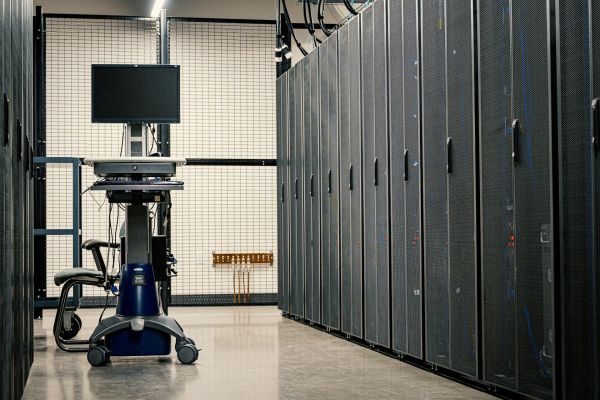
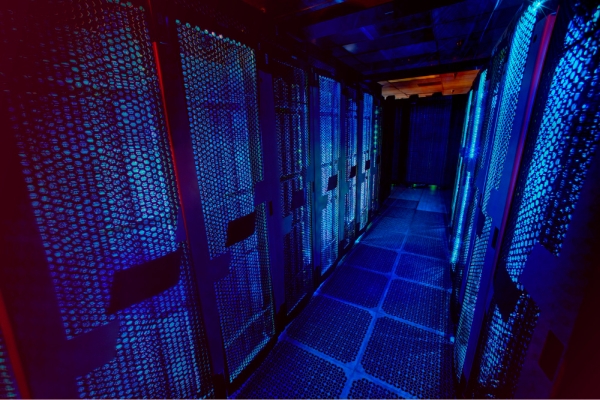
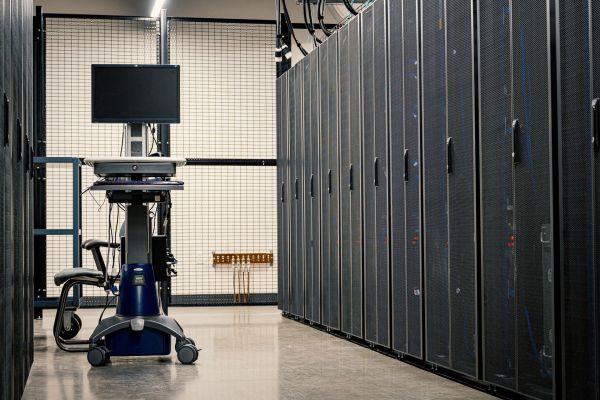
The difference between "a rack in the office" and a professional data center is formalized. The ANSI/TIA-942 standard defines four reliability tiers – from Tier 1 (a single, non-redundant power path) to Tier 4 (full fault tolerance and maintenance without downtime). This is a good reference point when figuring out how much redundancy you actually need.
Contrary to the "everything is moving to the cloud" narrative, owned infrastructure still dominates numerically. Forecasts from a few years ago assumed that close to two-thirds of IT workloads would remain in company-owned environments. Polish data confirms this – among companies choosing paid cloud services, dedicated servers still made up a significant share of the market alongside shared ones. We cover this trade-off in more depth in our piece on the advantages of on-premise hardware over cloud solutions.
There is a cost that's easy to forget, though: maintaining your own server room. The average PUE among surveyed data centers was 1.55 – meaning an extra 55% of energy went toward cooling and power delivery on top of the IT equipment itself. In a small company server room, this figure can be even worse. This is a real argument, for one or two servers, in favor of a well-matched tower machine in the office instead of building a dedicated server room.
Axis 2: what shape – tower, rack, or blade?
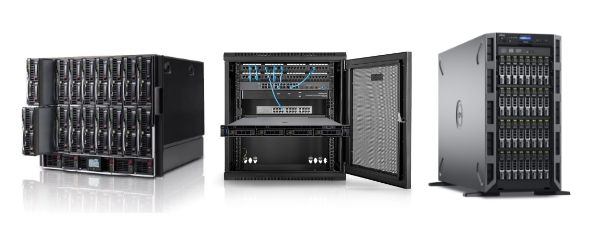
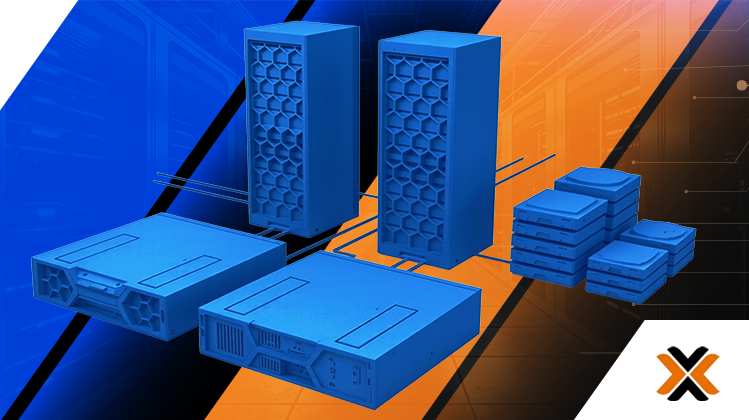
The second axis is physical build. Logically, the same machine can take three forms, and the choice affects entry cost, room requirements, and scalability.
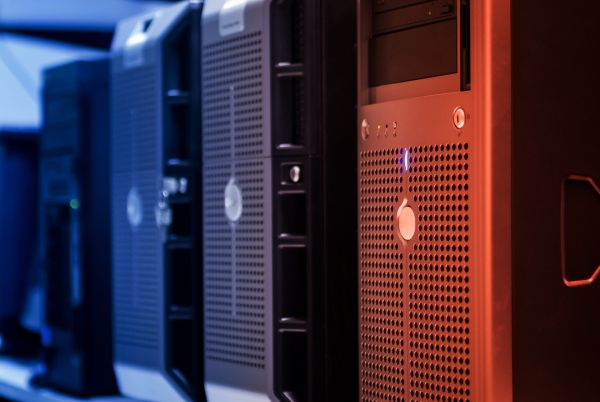
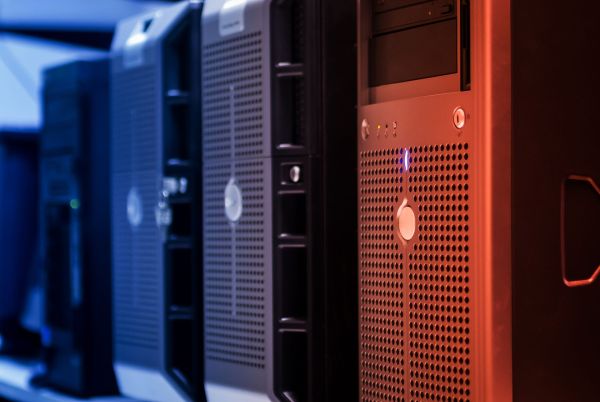
Tower is a freestanding chassis, like a large PC. It doesn't require a rack cabinet or a server room – it can sit in a regular office space. According to the manufacturer's spec sheet, a single-socket tower (Xeon E-2300, up to 8 cores, up to 128 GB RAM) is designed for file and print serving, email, point-of-sale, web hosting, and group work. It's the natural first server for a company.
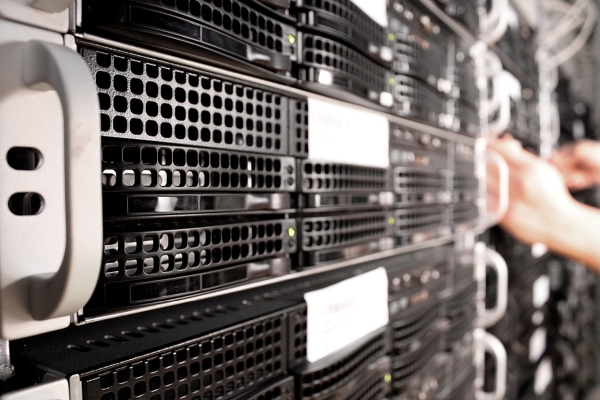
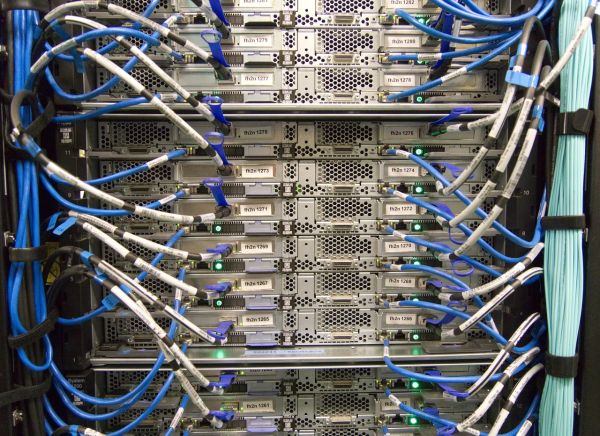
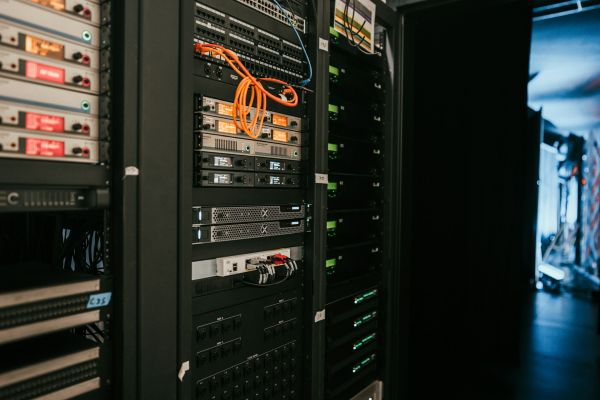
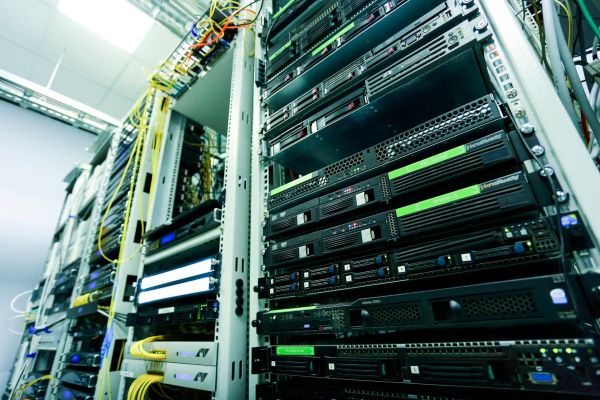
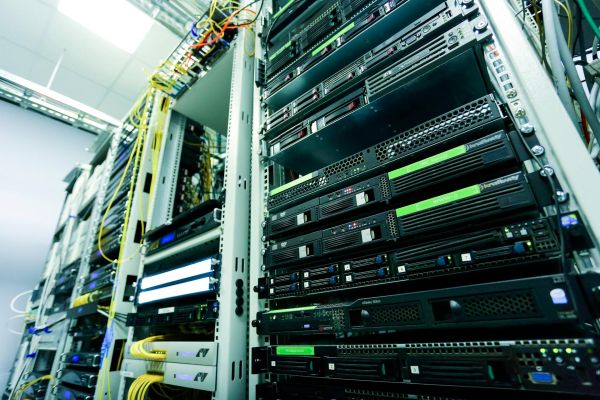
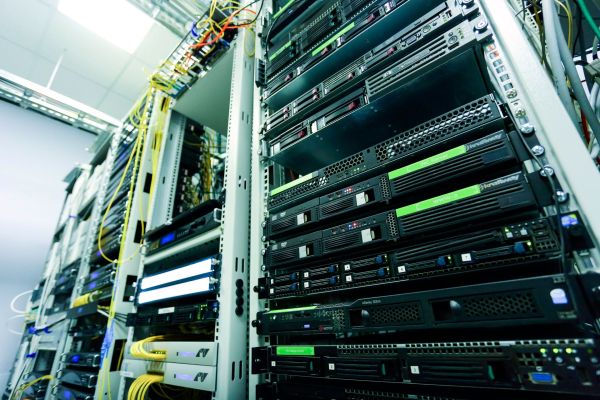
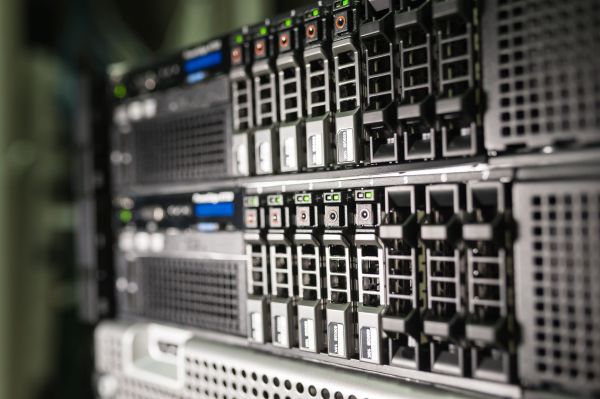
Rack mounts in a 19" cabinet (1U/2U density) and is the standard for any server room. A dual-socket 1U rack server (up to 2x Xeon Scalable, up to 12 NVMe drives) is positioned by the manufacturer as a machine for databases and analytics, corporate IT, VDI infrastructure, and HPC/AI workloads. Rack servers scale along with the company – but require planning for cabinet power and cooling. Not without reason: average power density has reached 8.4 kW per cabinet, and that's already a separate infrastructure topic.
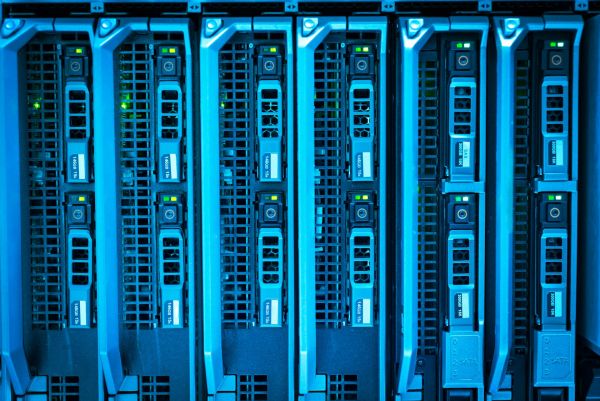
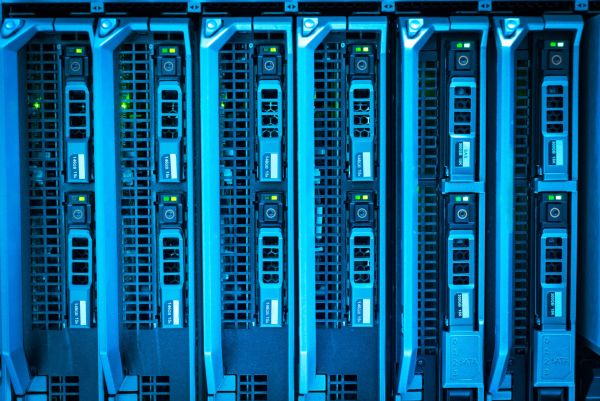
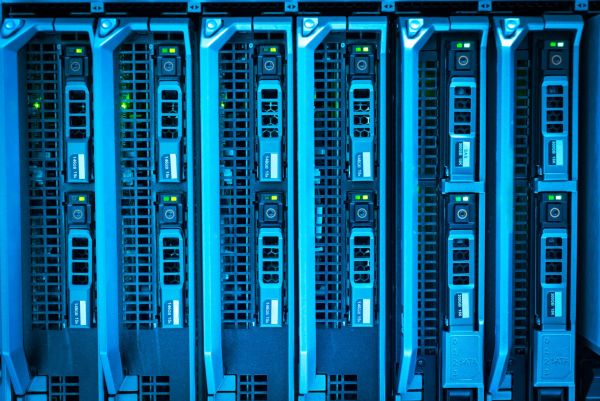
Blade refers to modules in a shared enclosure (chassis) that share power supplies, cooling, networking, and management. The result? Lower maintenance cost and simpler deployment at high server counts – at the cost of a high entry barrier (it only pays off once the chassis is filled). This is a solution for large, dense environments.
|
Form factor |
Who it's for |
Requires a server room? |
Model from our range |
|
Tower |
small/medium company, first server |
no |
|
|
Rack |
companies with a 19" cabinet, scaling |
yes (rack cabinet) |
|
|
Rack (EPYC) |
large scale, virtualization, AI |
yes |
|
|
Blade |
large, dense environments |
yes (chassis) |
If you're torn between tower and rack, we cover that in more detail in our guide "Which server to choose?". Full categories: Tower servers, Rack servers, Blade servers.
Axis 3: what role does the server play on the network?
The third axis is independent of the previous two. Regardless of shape and location, a server performs a specific logical role. The NIST government standard categorizes these most systematically – identifying, among others, web servers, database servers, directory servers (domain controllers), mail servers, infrastructure management servers, log servers, and DNS servers. Each role has a different load profile and a different risk profile.
In practice, these are the roles we encounter most often:
- file / print server – shared, controlled access to documents,
- database / application server – SQL Server, ERP (Comarch, Optima, Enova365, SAP), CRM,
- mail and web server – in-house email, websites, web services,
- domain controller (AD / DNS / DHCP) – user login and management across the network,
- virtualization server (hypervisor) – VMware, Hyper-V, or Proxmox hosting multiple VMs,
- backup / NAS server – backups and storage under your own control.
Two roles deserve a special mention. First, the domain controller – one of the most critical roles in any company. Tiered security models (so-called Tier 0) classify it alongside backup servers as a resource requiring elevated security, including phishing-resistant MFA. Importantly, a domain controller doesn't need the most powerful platform – it's a low-load role, but a high-security-priority one. There's no point overpaying for raw power; the priority is protection.
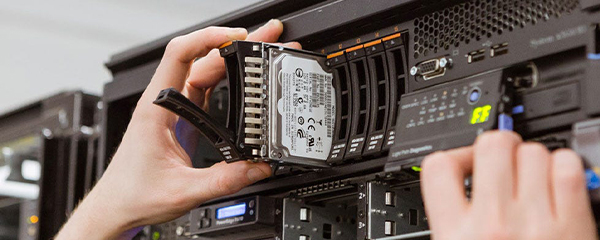
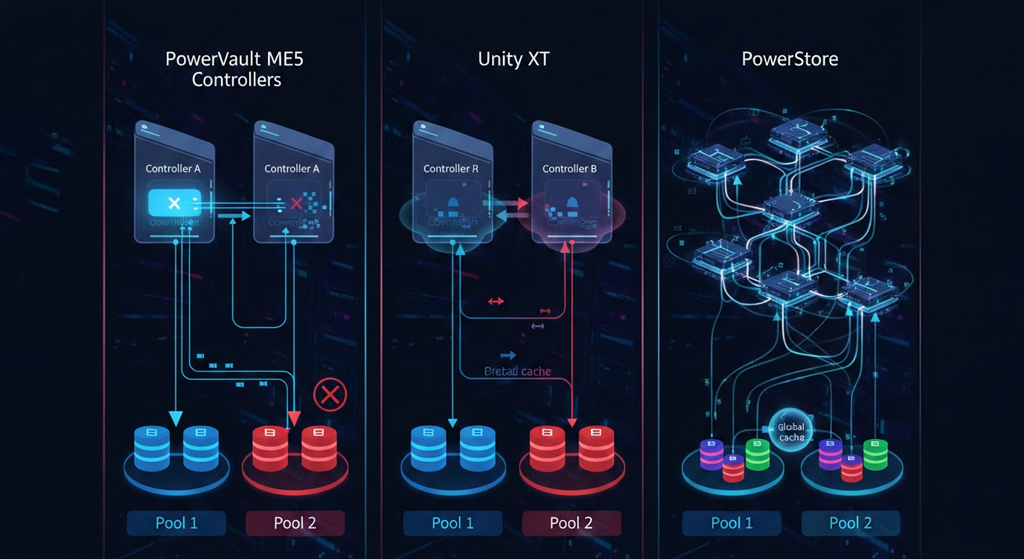
Second, storage and backup. It's worth knowing that drives account for roughly 50% of all hardware failures in servers – which is why any role storing data needs RAID (an array resistant to drive failure) and regular backups. A basic NAS can, to a limited extent, stand in for a database server, but only for a small, mostly read-only database; under heavier load, roles need to be separated. When data is genuinely important, a Dell PowerVault disk array is a better fit than a simple NAS. We settle the question of whether RAID is real protection or an unnecessary expense in a separate article.
And one more regulatory dimension: critical roles (domain controller, mail, databases) fall under the NIS2 directive, where penalties reach €10 million or 2% of global turnover. We cover this topic further in our article on cybersecurity under the NIS2 directive.
How do you combine the three axes into one decision?
You don't need to buy a separate server for every role. Thanks to virtualization, a single machine can handle several at once. This isn't just convenient – it's a measurable saving. In a TCO analysis for a 75-person company, consolidating four older servers (email, ERP, SQL database, applications) onto a single virtualized server delivered 45.8% savings ($42,272) over 3 years compared to adding more physical machines.
In practice, the decision unfolds like this: you start with the role (what it needs to do), which determines the power (processors, RAM, drives), while location and form factor adjust to scale. A few typical translations:
|
Need |
Form factor |
Suggestion |
|
Files, email, backup in a small company (5–20 people) |
Tower |
Dell PowerEdge T350 + backup on separate media |
|
Database, ERP, CRM (medium-sized company) |
Rack 1U |
Dell PowerEdge R650 (up to 12 NVMe, for databases and analytics) |
|
Large-scale virtualization, VM consolidation, AI |
Rack 2U (EPYC) |
|
|
Serious storage / backup instead of NAS |
Array |
|
|
Domain controller (AD / DNS / DHCP) |
Rack, small config. |
R650 with limited cores/RAM – low load, but heavily secured |
Where to start?
Remember one thing: "server type" is three questions, not one. Where it sits, what shape it has, what role it plays. These axes don't exclude each other – a well-chosen rack server in your own server room can simultaneously be a virtualization host, a SQL database, and a domain controller. The trick is not buying too much or too little.
And this is exactly where it's easiest to get it wrong – so start with the role, not the specs. Tell us what needs to run on the server and how many users you have, and we'll select the form factor, processors, RAM, drives, and RAID level to match your specific workload – with room to grow and roles combined through virtualization. Every configuration you receive is tested, ready to deploy, and covered by warranty. Considering refurbished hardware? Take a look at new server or recertified server, and for the full range – browse our servers category.
FAQ
What are the main types of business servers?
Servers are categorized along three independent axes: by location (on-premise, colocation, dedicated/VPS, cloud), by form factor (tower, rack, blade), and by role (file, database, mail, web, domain controller, virtualization, backup/NAS). A single server combines all three axes at once.
Tower, rack, or blade – which to choose?
Tower is the first server for a small company – no server room needed. Rack mounts in a 19" cabinet and scales with the company. Blade offers maximum density for large environments, but only pays off once the shared chassis is filled.
Can a single server perform multiple roles?
Yes – thanks to virtualization. Consolidating email, ERP, SQL databases, and applications onto a single virtualized server can deliver around 46% savings in 3-year TCO compared to adding more machines.
What server is right for a domain controller?
A domain controller is a low-load role, but a high-security-priority one. A modest rack configuration is enough – what matters most is elevated access and physical security.
On-premise, colocation, or cloud?
On-premise gives full control but requires your own server room. Colocation means your hardware in someone else's professional data center. Cloud bills based on usage. Most companies combine models – the larger the company, the more often it's a hybrid.
Is NAS enough as a database server?
Only to a limited extent – for a small, mostly read-only database. Under heavier load, roles need to be separated, and for important data, a disk array with RAID is a better fit than NAS.
Sources
TIA – ANSI/TIA-942 The Global Data Center Standard – https://tiaonline.org/wp-content/uploads/2024/05/Data-Centers-Brochure_040124.pdf
Uptime Institute – Global Data Center Survey 2020 – https://colocity.com/wp-content/uploads/2022/01/2020AnnualSurvey_EndUser_v4s.pdf
Uptime Institute – Global Data Center Survey 2022 – https://uptimeinstitute.com/uptime_assets/6768eca6a75d792c8eeede827d76de0d0380dee6b5ced20fde45787dd3688bfe-2022-data-center-industry-survey-en.pdf
Uptime Institute – Data Center Capacity Trends Survey 2022 – https://datacenter.uptimeinstitute.com/rs/711-RIA-145/images/CapacityTrendsSurvey.Report.02032023.pdf
USPTO – Downgrading database software via a downgradability test – https://image-ppubs.uspto.gov/dirsearch-public/print/downloadPdf/12360759
NIST SP 800-123 – Guide to General Server Security – https://nvlpubs.nist.gov/nistpubs/legacy/sp/nistspecialpublication800-123.pdf
ANSSI – Windows Server: start-up security for a domain controller – https://messervices.cyber.gouv.fr/documents-guides/anssi_back%20to%20basics_domain_controller_1.0.pdf
ACSC – Detecting and Mitigating Active Directory Compromises – https://www.cyber.gov.au/sites/default/files/2024-09/PROTECT-Detecting-and-Mitigating-Active-Directory-Compromises.pdf
Dell Technologies – PowerEdge T350 Technical Guide – https://i.dell.com/sites/csdocuments/product_docs/en/dell-emc-poweredge-t350-technical-guide.pdf
Dell Technologies – PowerEdge R650 Spec Sheet – https://i.dell.com/sites/csdocuments/Product_Docs/en/poweredge-r650-spec-sheet.pdf
Dell – TCO benefits of server virtualization for the SMB – https://i.dell.com/sites/csdocuments/Business_smb_sb360_Documents/en/us/wp-virtualization-tco.pdf
Cisco – Server Consolidation Using Cisco Unified Computing System – https://www.cisco.com/c/dam/en/us/solutions/collateral/data-center-virtualization/unified-computing/server_consolidation_white_paper.pdf
HPE Community – NAS vs SAN vs DAS – https://community.hpe.com/hpeb/attachments/hpeb/itrc-248/37570/1/327691.pdf